
Fast checkout, accurate posting, nothing to reconcile later.
A modern, intuitive point of sale built for every spot at the club - pro shop, dining, spa, and more - that posts to the member's account automatically and pulls up the order their reservation already started.
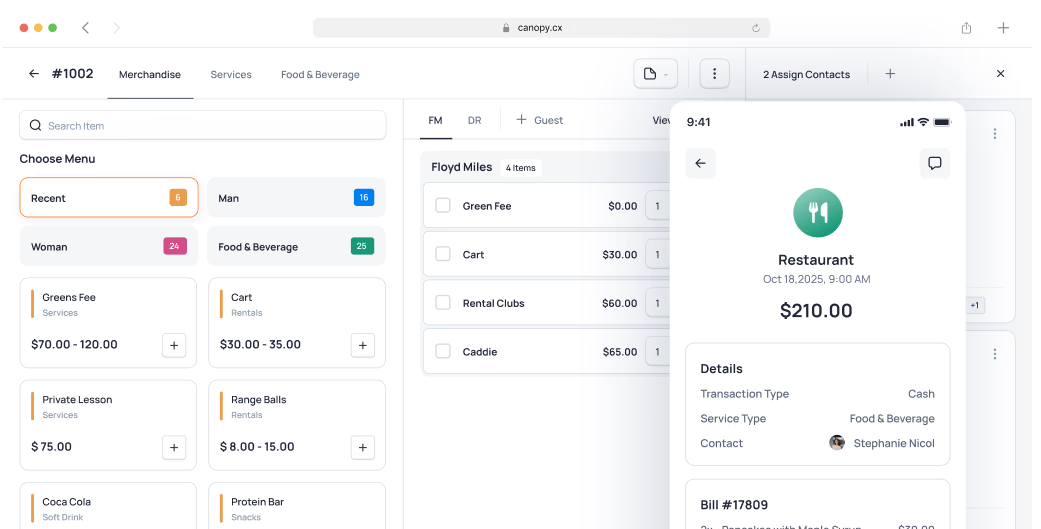
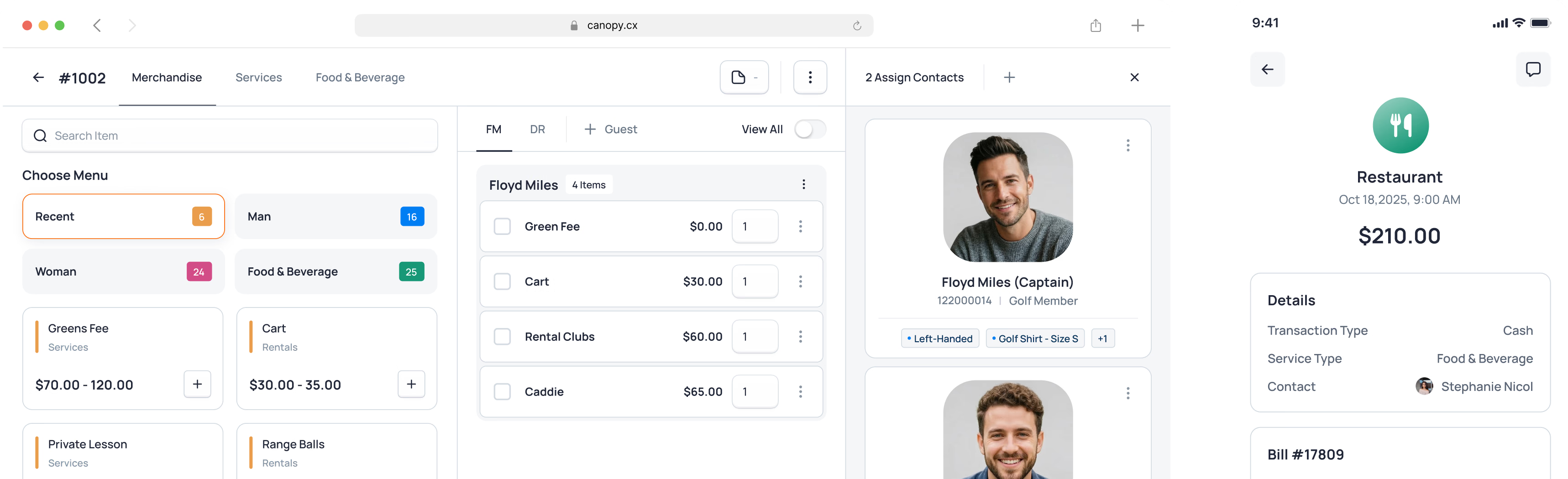

Point of sale that works the way your club does
A sale at a club should be quick and accurate - a sleeve of balls, a round of drinks at the pool, or a private dining event. Every sale should close cleanly and post to the right account without a second thought.
Most POS systems are retail tools pressed into club service - cut off from member profiles, separate from reservations, built for cashiers, not hospitality. Canopy's is part of the same platform: designed for speed and simplicity, and showing the member's context at the moment of the sale.
The Result: Fast, informed service at every touchpoint - and billing that’s reconciled as you go.
Modern POS built for hospitality
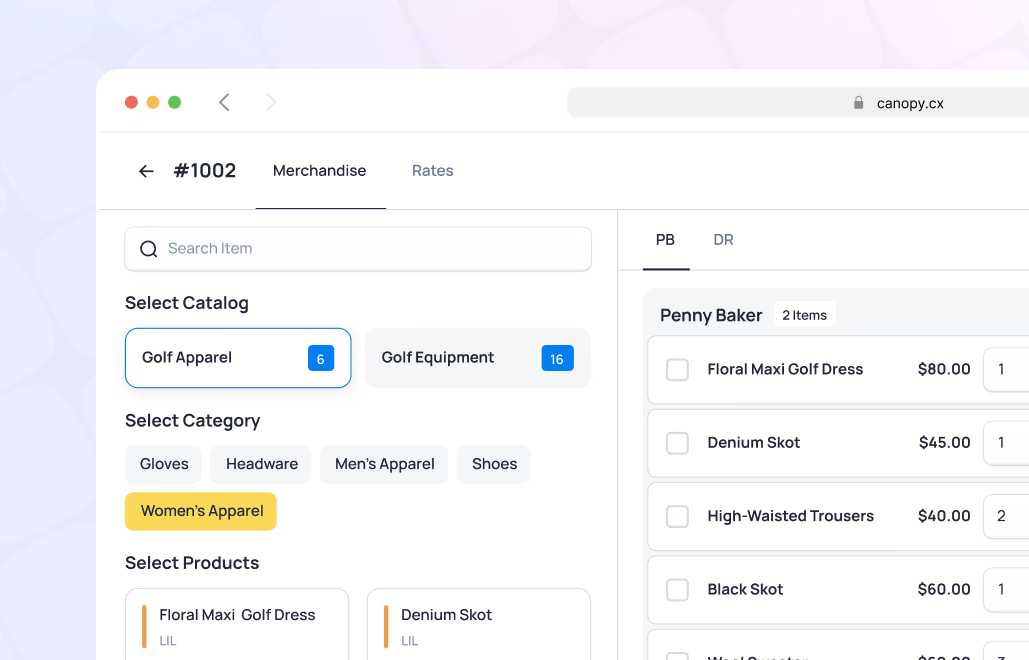
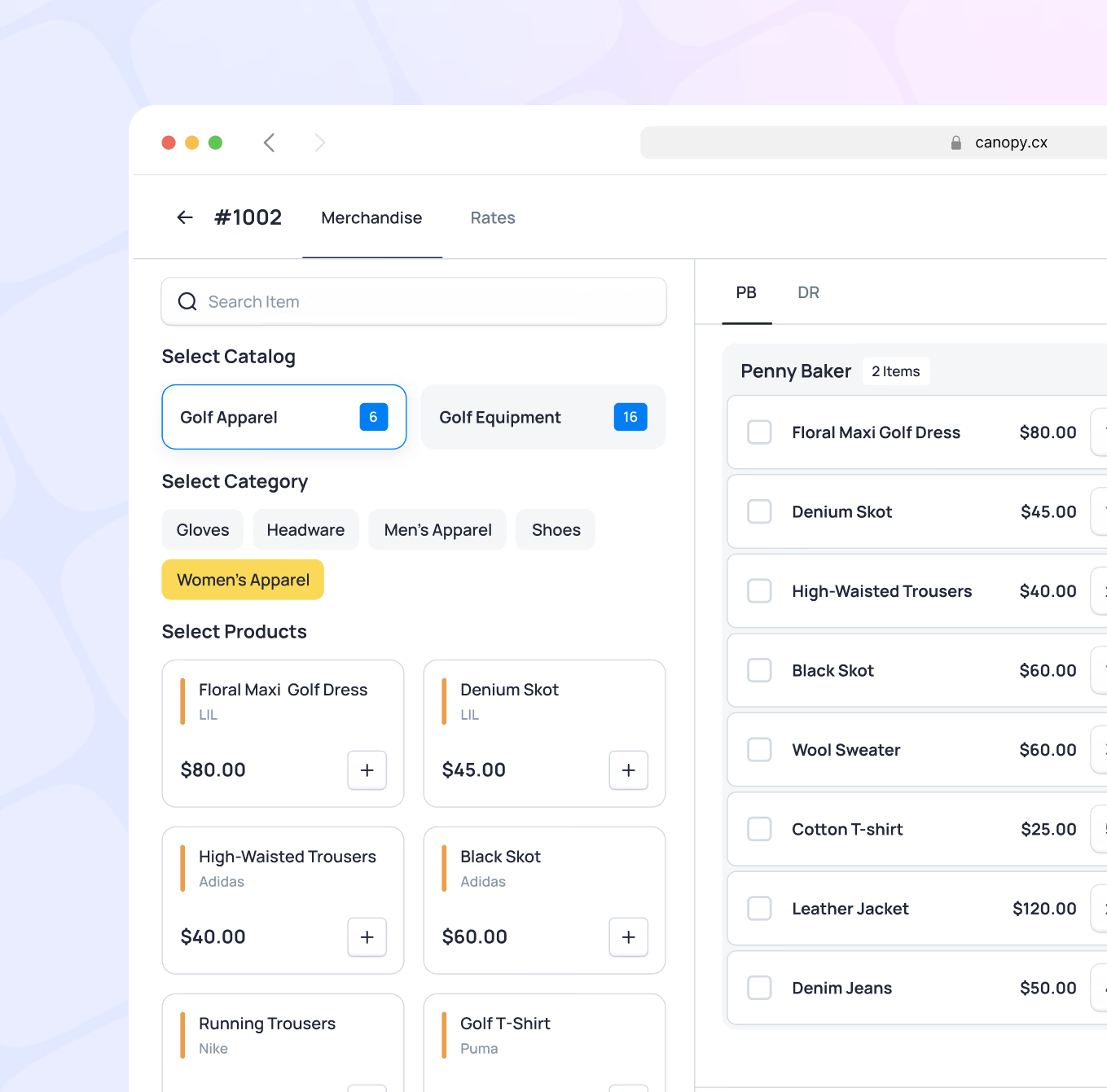
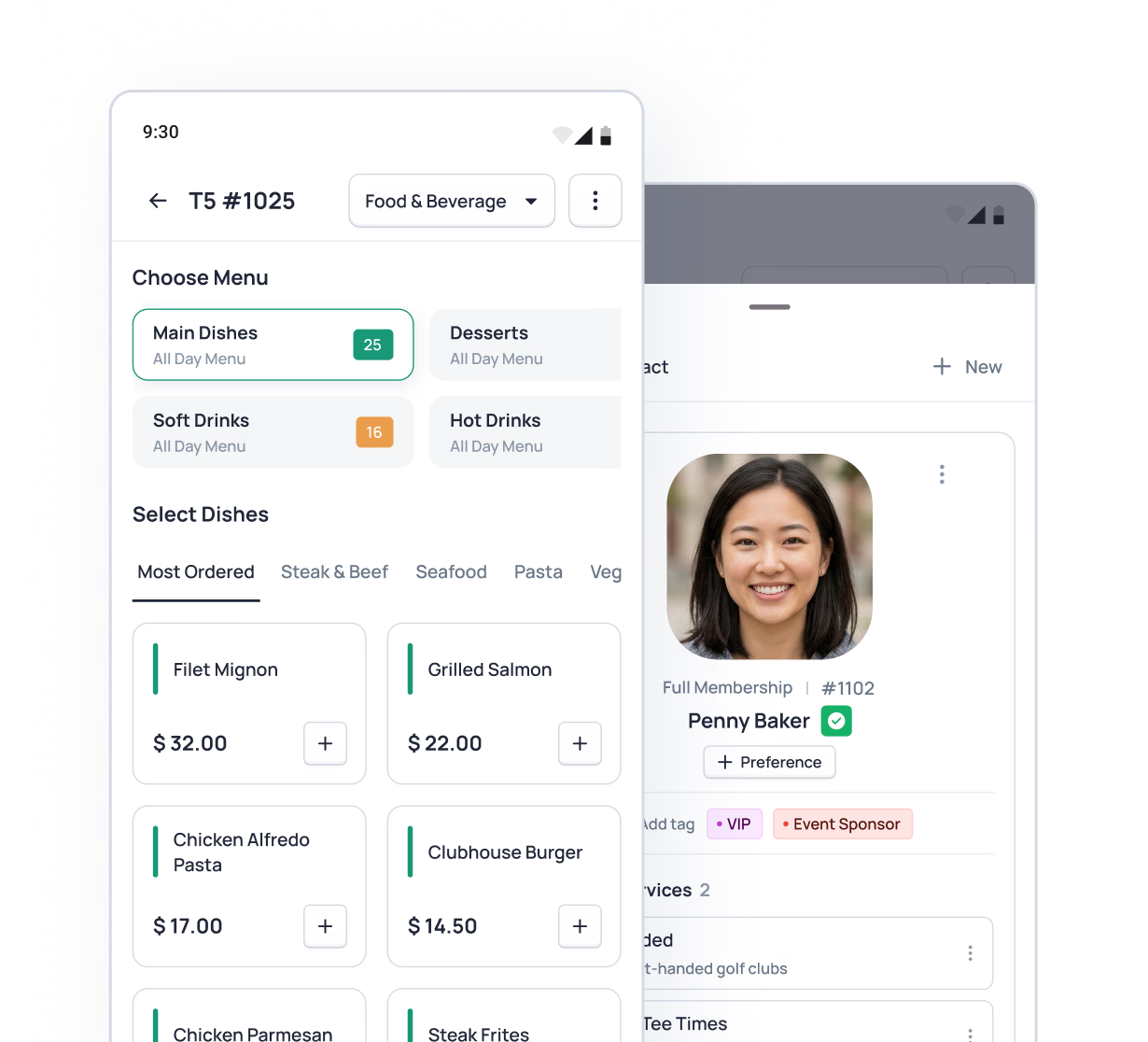
A clean, touch-optimized interface that staff learn in minutes and rely on all day. Pre-configured menu items with built-in modifiers and special request options make order customization fast - no manual typing, no missed details. A member mini profile appears alongside every transaction, giving staff the context to deliver the kind of service that makes members feel known.
- Touch-optimized interface for tablets and terminals
- Pre-configured items with built-in modifiers for rapid order customization
- Member mini profile visible at checkout - preferences, notes, and history at a glance
- Scanner-enabled for quick item entry via barcode
- Designed for speed - fewer taps, faster transactions, more time for hospitality
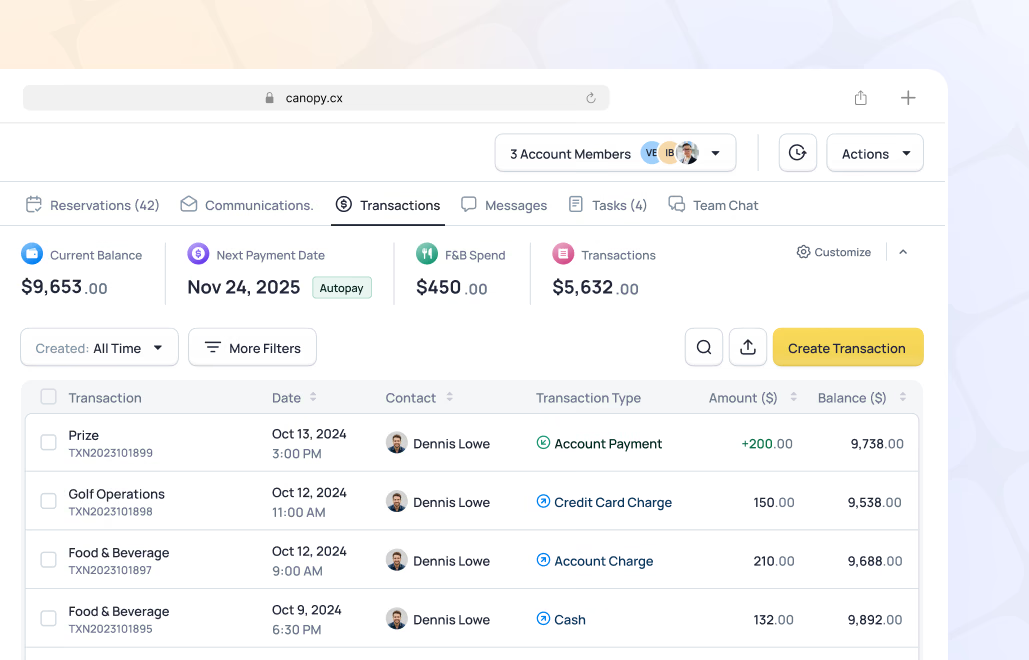
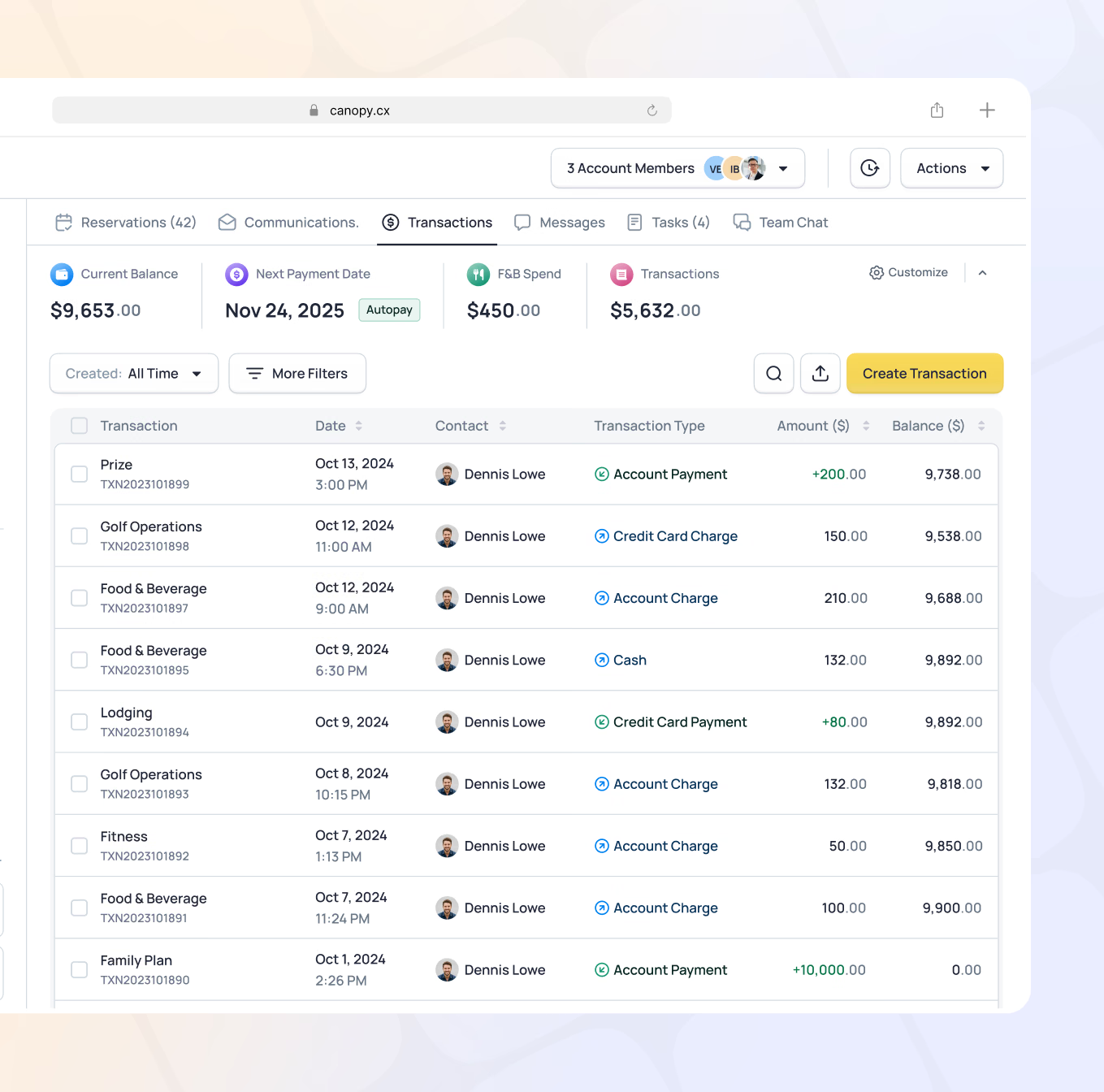
Every transaction posts directly to the member's account - no end-of-day reconciliation, no manual entry. Charges are captured at the individual contact level and can be rolled up to household or account view. Staff have easy access to view, edit, and process refunds when needed.
- Charge directly to member account from any POS location
- Member-specific rates apply automatically at checkout
- Household account rollup - view charges at individual or account level
- Staff can view, edit, and process refunds from within the POS
- Full order and transaction history accessible in member profile
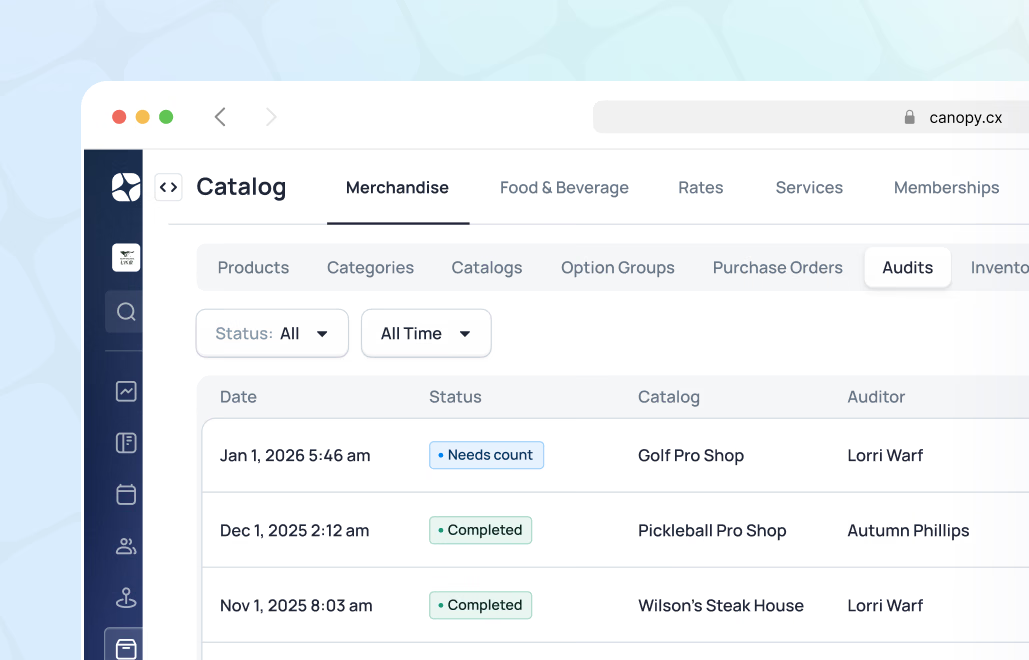
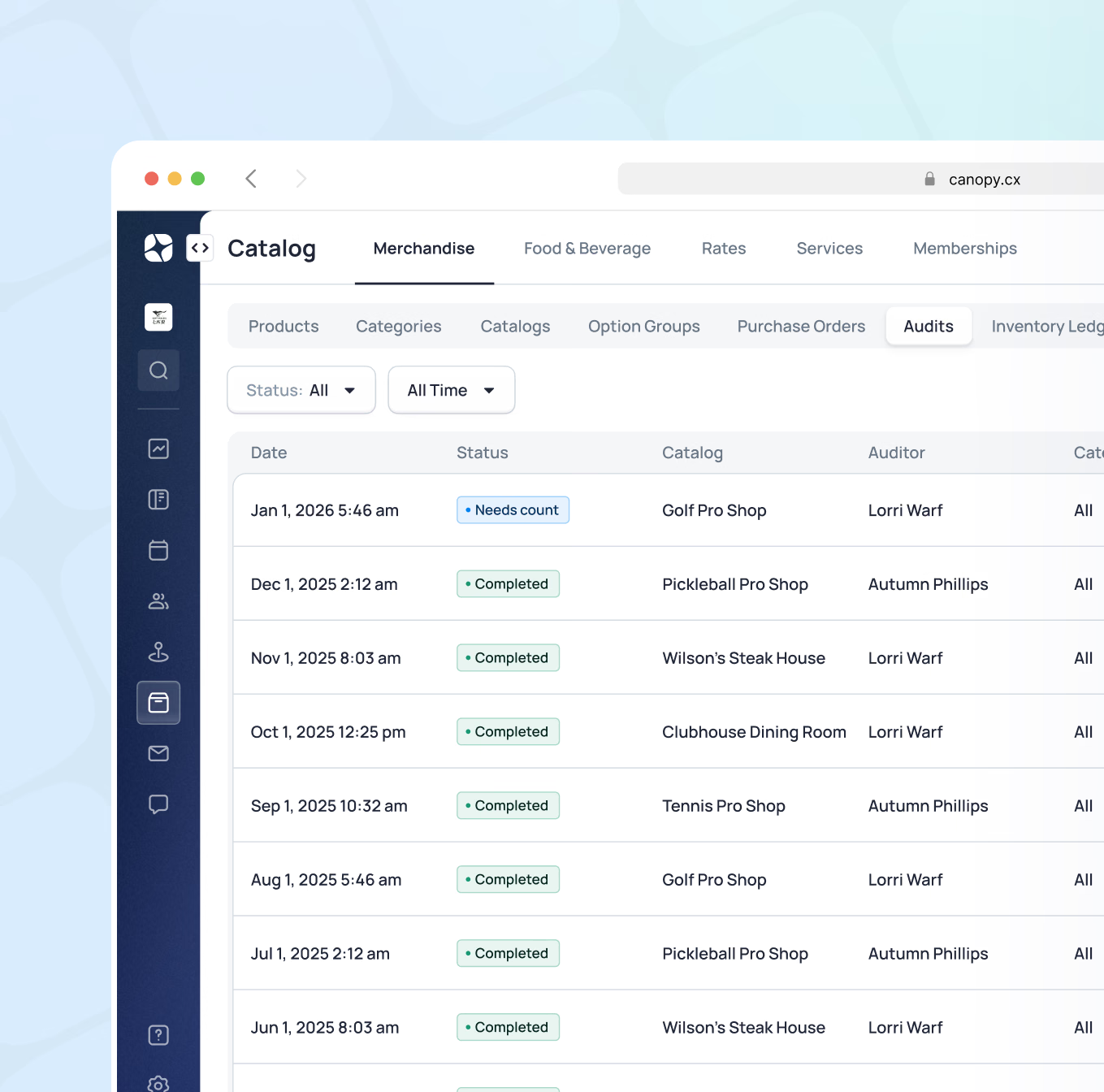
A full inventory, purchasing, and receiving system - built into the same platform. Single inventory management with location-based catalogs allows items to be transferred between departments. An integrated scanner speeds up both daily receiving and periodic audits. Flexible product structure supports multiple variants and fast SKU creation, so new stock is logged and available in minutes.
- Single inventory management with location-based catalogs
- Flexible product structure supporting multiple variants (size, color, style)
- Rapid SKU creation - add an entire new shipment of products quickly
- Scanner-enabled receiving - log new shipments using manufacturer barcodes
- Inventory audits simplified with scanner and guided audit sessions
- Easy label creation for club-branded or custom product tags
- Purchasing and receiving workflow with PO creation, approval, and receiving in one flow

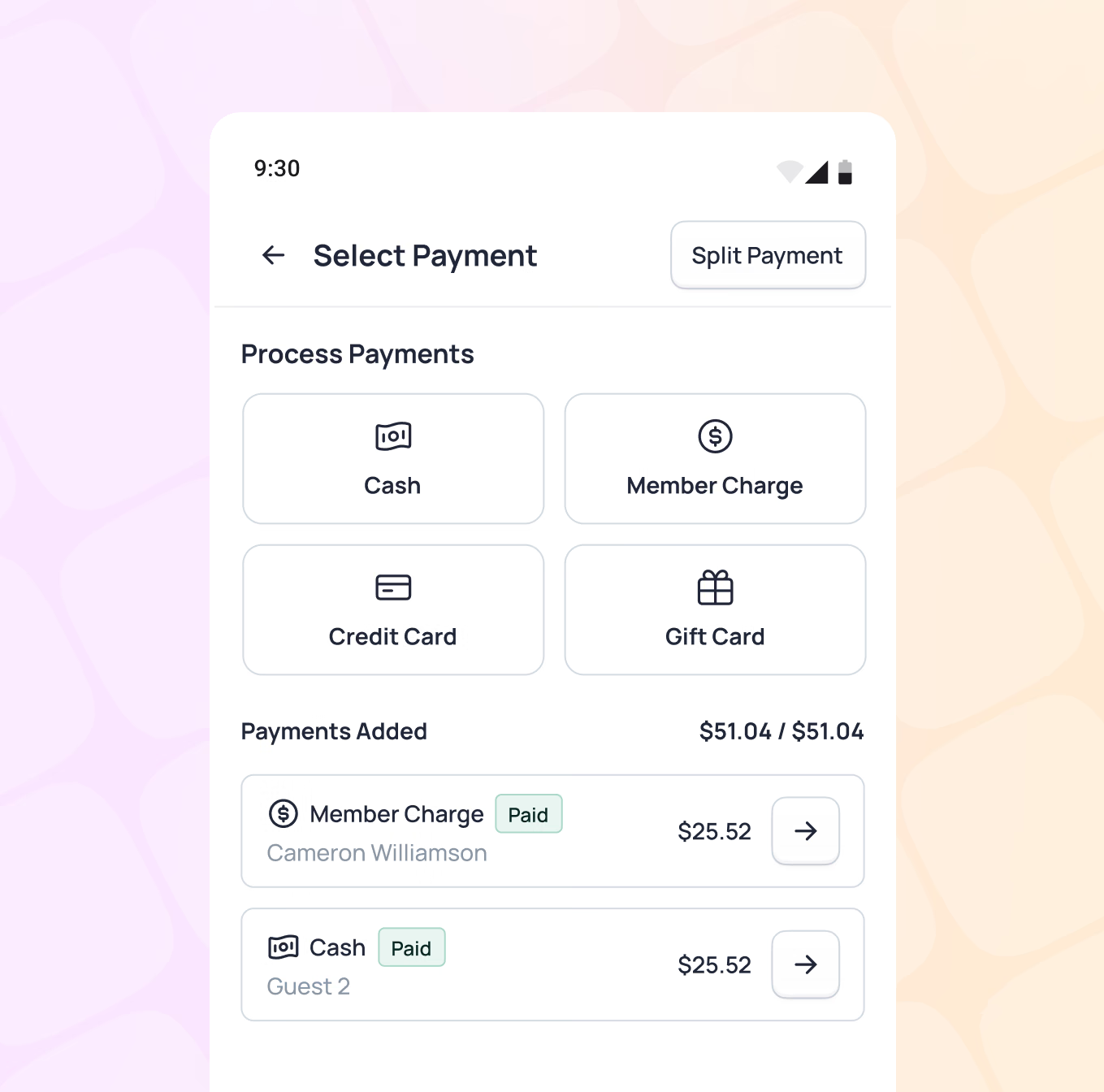
Members pay how they prefer. Canopy's own Club Cash wallet consolidates gift cards, pro shop credit, and rain checks in one place - alongside standard payment options. Stripe-powered card readers bring modern, reliable payment processing to every location.
- Member account charging - the fastest path to checkout
- Club Cash wallet: gift cards, pro shop credit, and rain checks in one balance
- Credit and debit card processing via Stripe
- Split payments across multiple methods
- Comp and complimentary item processing
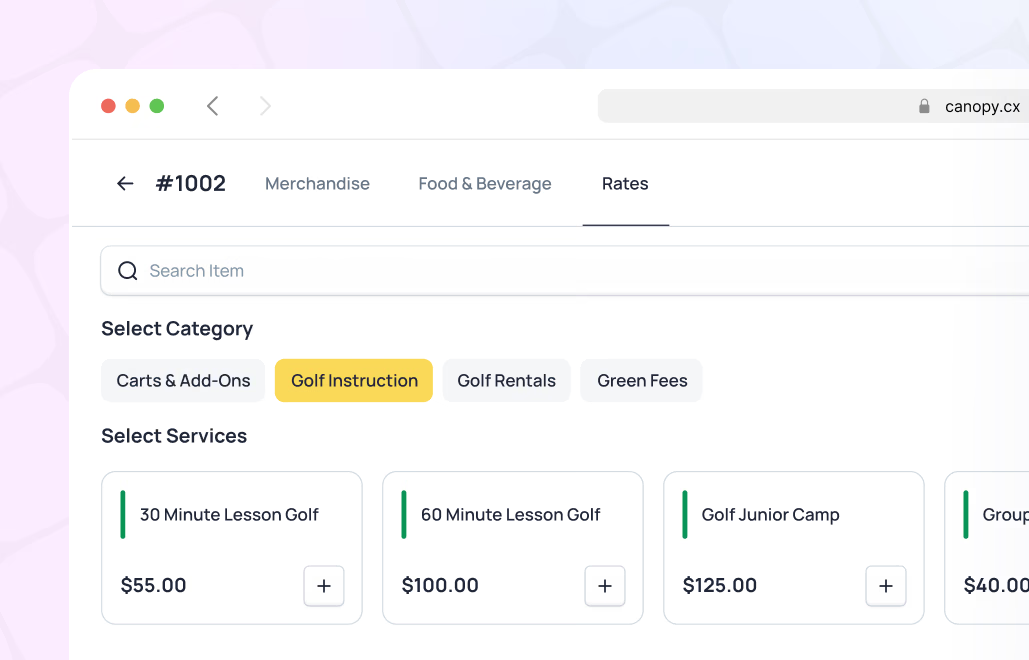
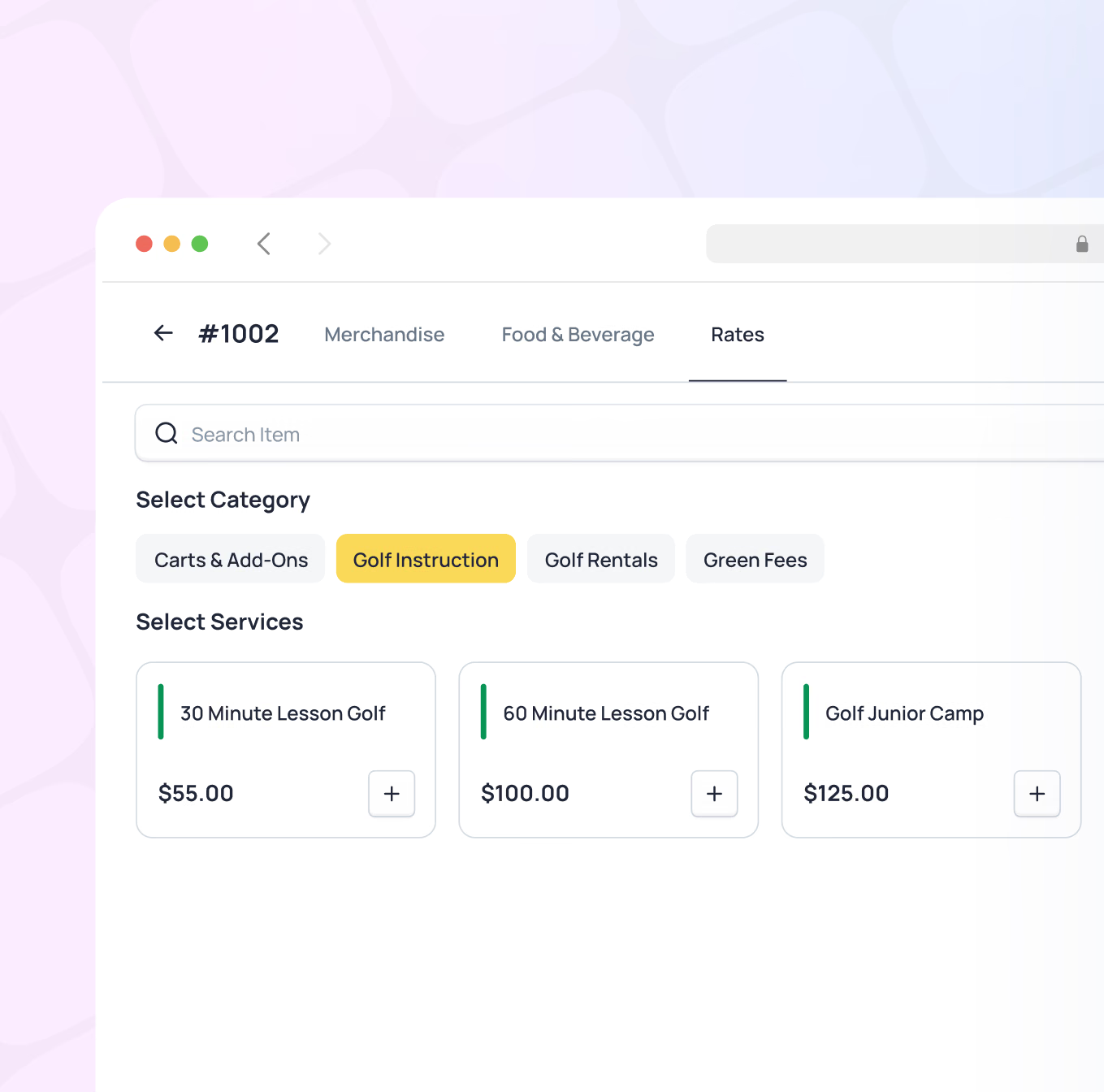
When a reservation is booked, an order is created in the background - rates applied, member linked, ready for service. Staff add items throughout the activity and close out with one tap. Services like caddie fees, cart rentals, or lesson charges are easy to add directly to an activity order without separate transactions.
- Open orders created automatically when reservations are booked
- Staff add items to an existing reservation order throughout service
- Services (caddies, rentals, lessons) added directly to activity orders
- One-click closeout to member account at end of service
- Clean posting to billing with no duplicate entry
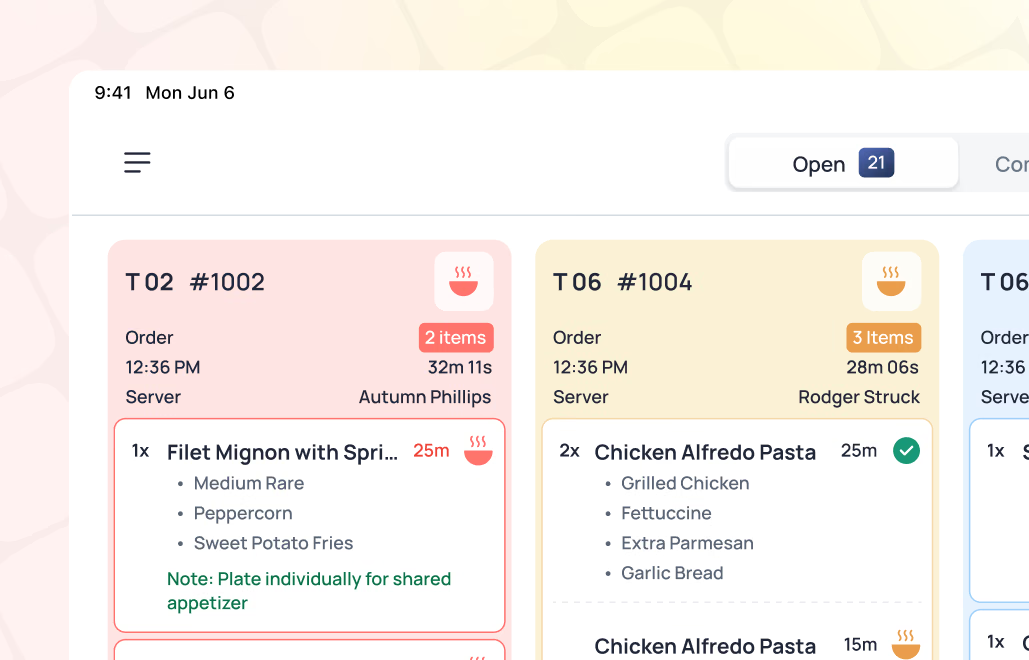
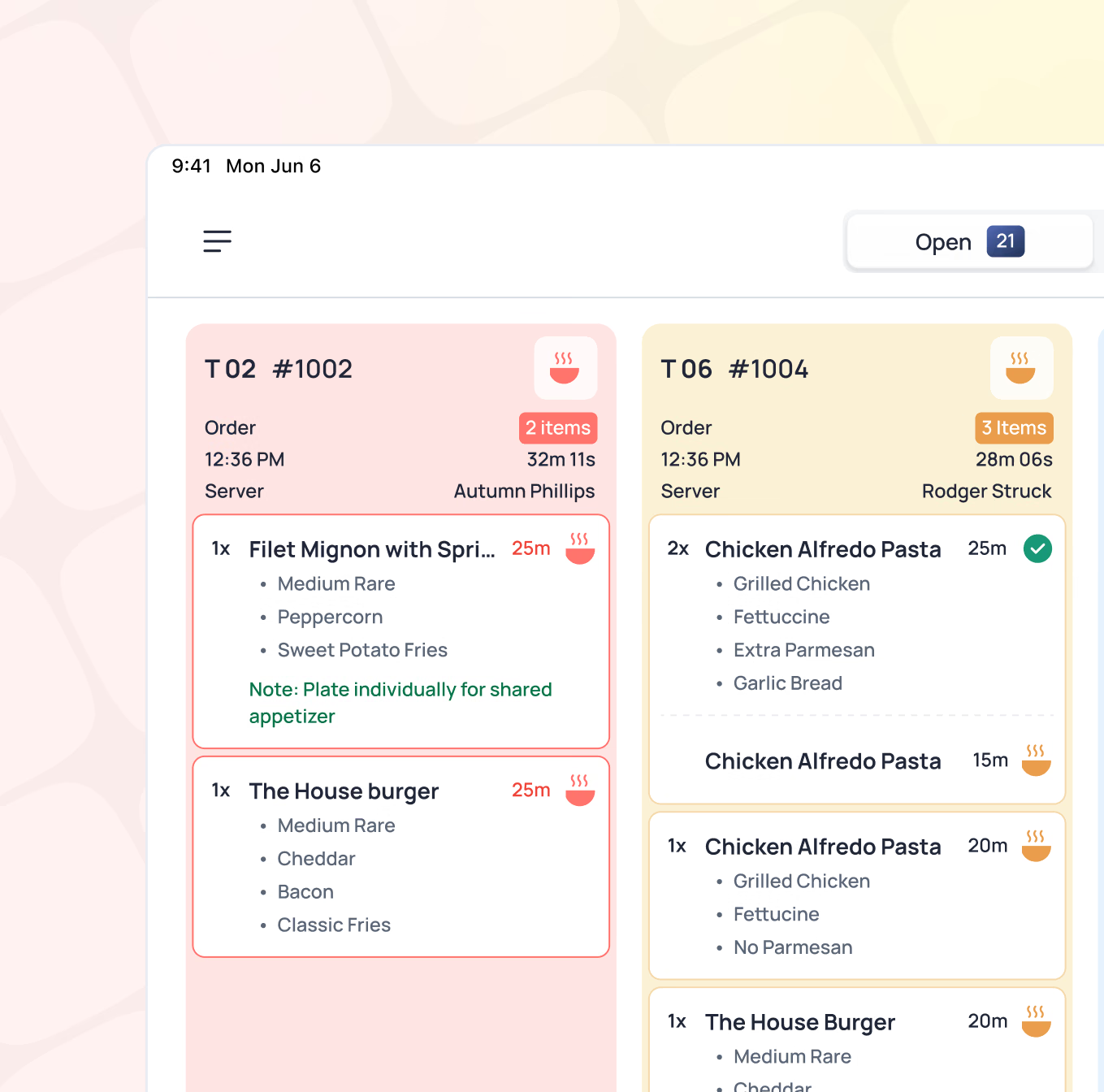
A modern kitchen display system designed for restaurant efficiency - replacing printed tickets with a clear, organized digital view. Orders surface in real-time, organized by course or category, keeping front-of-house and kitchen in sync without the noise and waste of paper tickets.
- Real-time order display for kitchen and service stations
- Touch-optimized for kitchen environments
- Custom station setup to match your kitchen's workflow
- Orders organized and prioritized automatically
- Improves communication between front-of-house and kitchen
How it works in the real world
Pro Shop Checkout
A member finishes their round and stops at the pro shop. Staff opens their tee time reservation - the order is already there with their cart and round details. The member's mini profile shows their preferred ball brand and glove size.
Staff adds a sleeve of balls and a glove to the order. Member-specific rate applies automatically. One tap to close to the member account. Receipt sent by email. The whole transaction takes under 30 seconds - and the member felt like staff already knew what they needed.
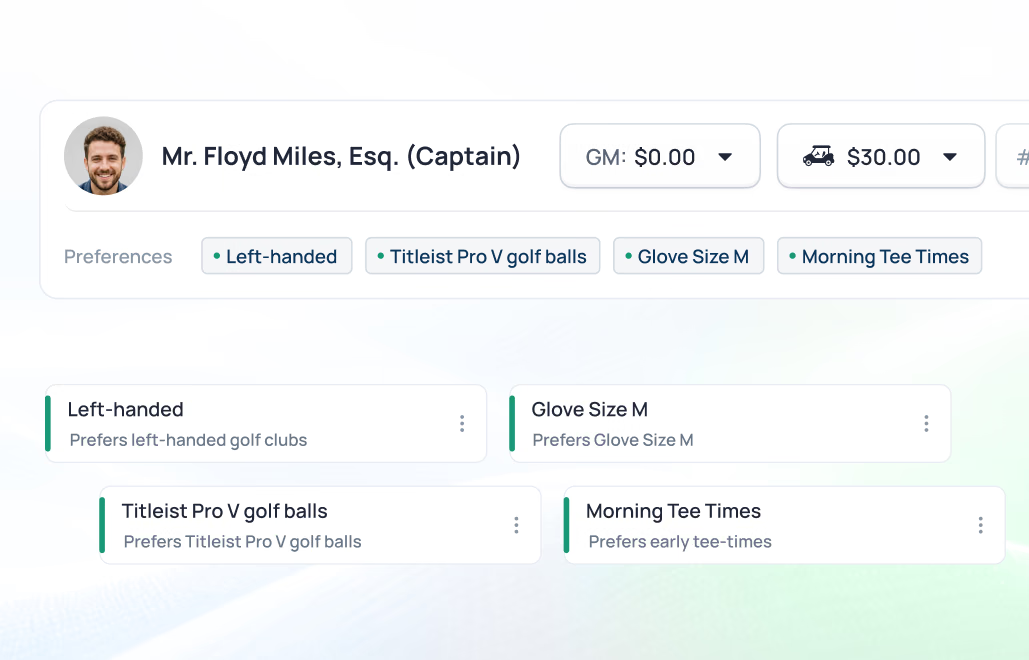
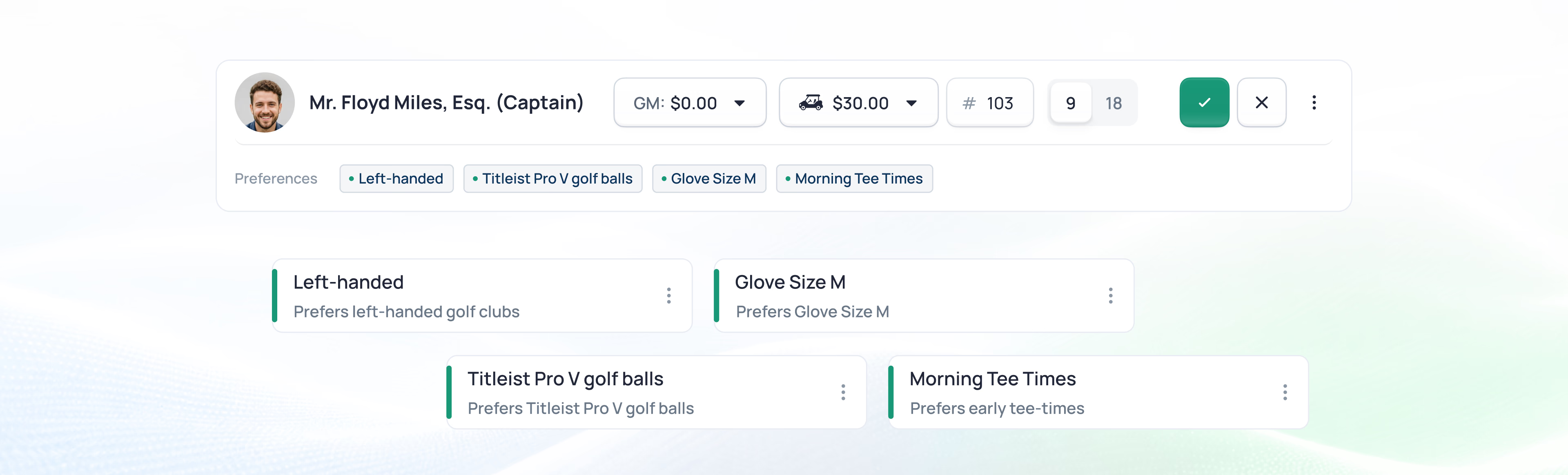
Result: Thirty seconds, and he never reached for his wallet or repeated his order.
Dining Service
The Chen family’s dining reservation opens on the server’s tablet. Their member mini profile shows the daughter’s nut allergy - flagged and visible before a word is spoken. The server takes the order against the open reservation. Items go to the KDS instantly, and the kitchen is organized and prepared.
Partway through the meal, the family adds dessert. At the end of the evening, the server closes the full check to the Chen account in one step. No paper tickets. No manual posting. No mistakes.
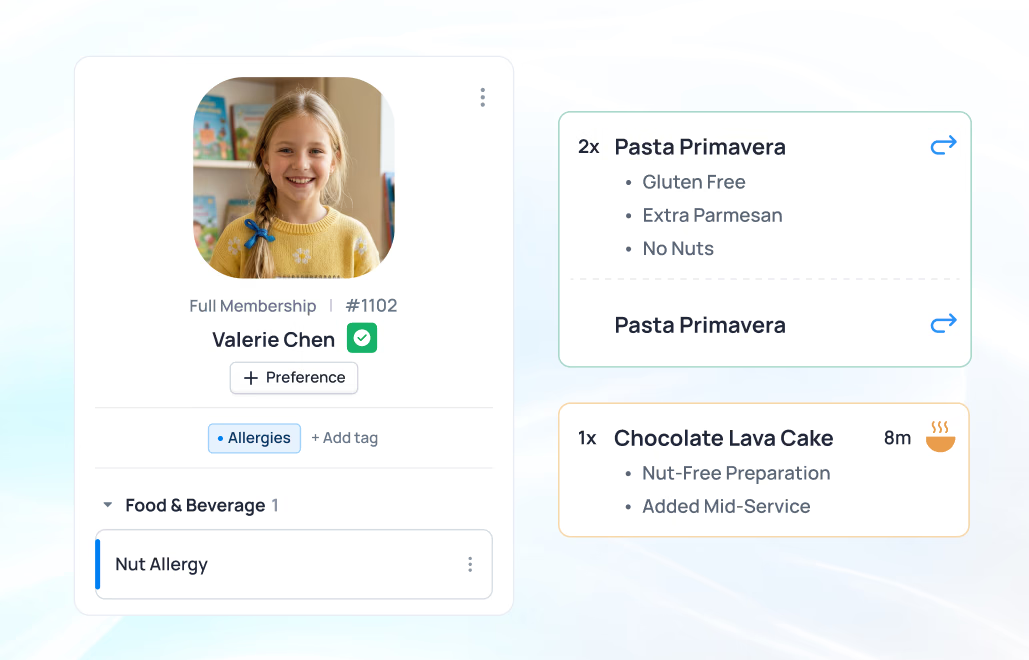
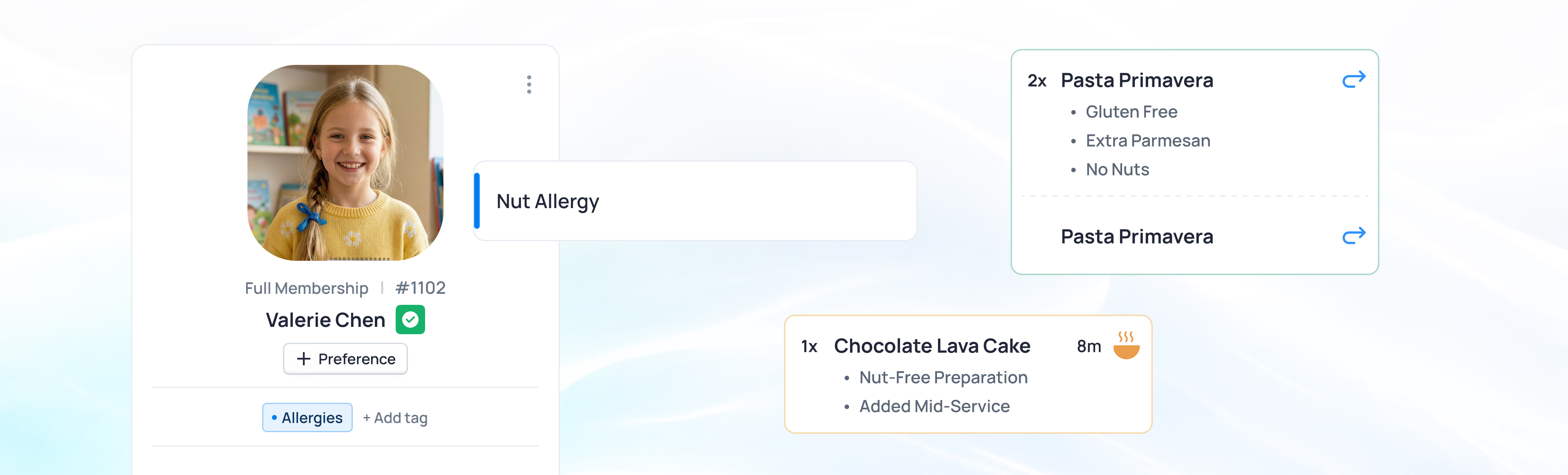
Result: The allergy was handled before anyone said a word, and the check closed in one tap.
Value for everyone at your club
For F&B Directors
Real-time visibility into covers, sales, and service flow across all dining venues. The KDS keeps the kitchen organized and service efficient. Member profiles surface the context that turns a transaction into a hospitality experience.
Key Benefits: Covers and sales as they happen, a kitchen that stays in sync, member context at every table
For Golf/Tennis Professionals
Pro shop checkout fast enough to keep pace with a busy tee sheet. Member accounts, inventory, and lesson charges all in one system. Reservation-linked orders mean closeout at the end of the day is quick and clean.
Key Benefits: Checkout that keeps up with the tee sheet, inventory that stays right, charges straight to the account
For All Staff
A simple, modern interface that staff learn in minutes and use confidently across every location. The same experience whether they're at the pro shop, the bar, or the pool - no re-learning, no frustration.
Key Benefits: Learn it in minutes, the same screen everywhere, less ringing-up and more hosting
For Members & Guests
Charges post straight to their account. No fumbling for a card at the end of a round or a meal. Accurate, itemized statements. And service that already knows their preferences before they have to say a word.
Key Benefits: Charge it and go, service that knows your usual, a statement that's right
See how it works across your club
From dining to the pro shop, everything works together in one connected system.

Powers your entire platform
POS data flows through every capability
From order to posted
1
Order Created
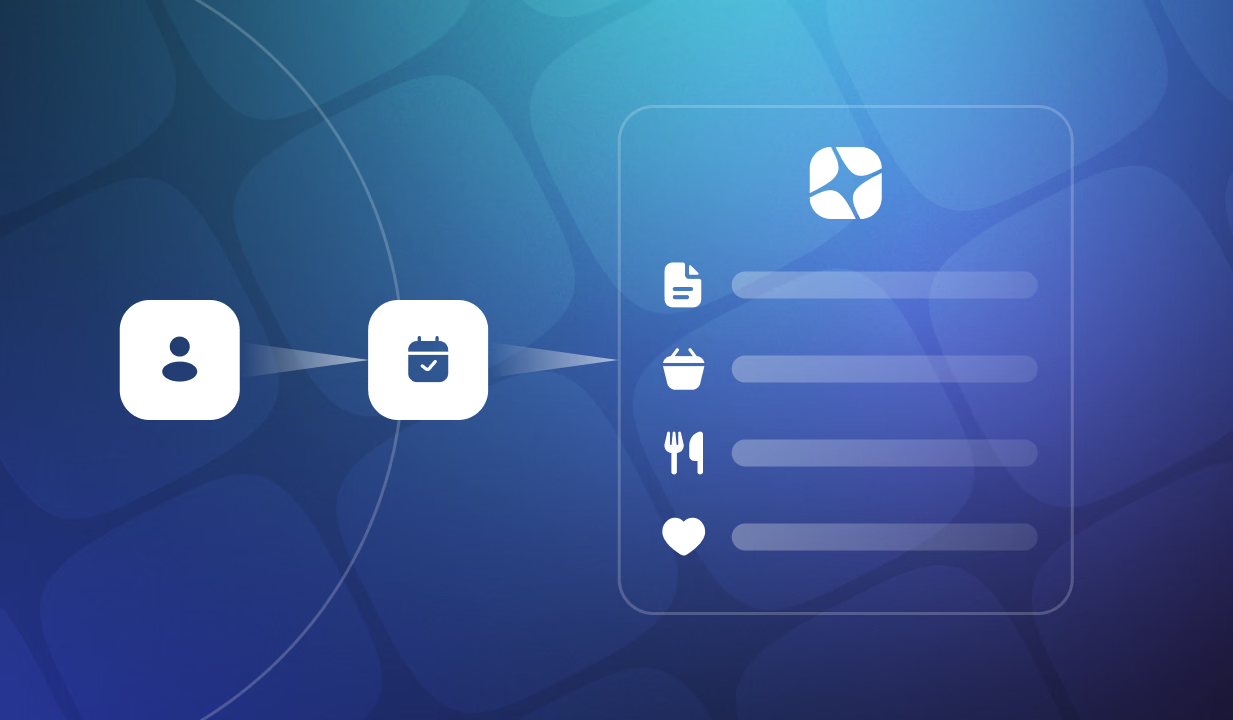
Member arrives or reservation opens. Order is already waiting - linked to the booking, rates applied. Staff adds items, modifiers, or services. Member mini profile provides context for personalized service.
2
Service Delivered
Kitchen receives the order via KDS instantly. Front-of-house and kitchen stay in sync. Items can be added, modified, or comped throughout service. Staff has everything they need on one screen.
3
Closeout
One tap closes the order to the member account. Charges post immediately. Receipt delivered. Inventory updated. Transaction appears in the member's history. No reconciliation, no manual entry, no delay.

From order to closeout, fully connected
See how every step works together in one connected flow.

Modern point of sale vs. legacy POS
Legacy Approach
Standalone POS systems disconnected from member profiles and reservations. Staff manually looks up accounts. Inventory tracked in a separate spreadsheet or system. End-of-day reconciliation required. Checkout feels transactional because it is - no member context, no connection to the rest of the club operation.
Canopy Approach
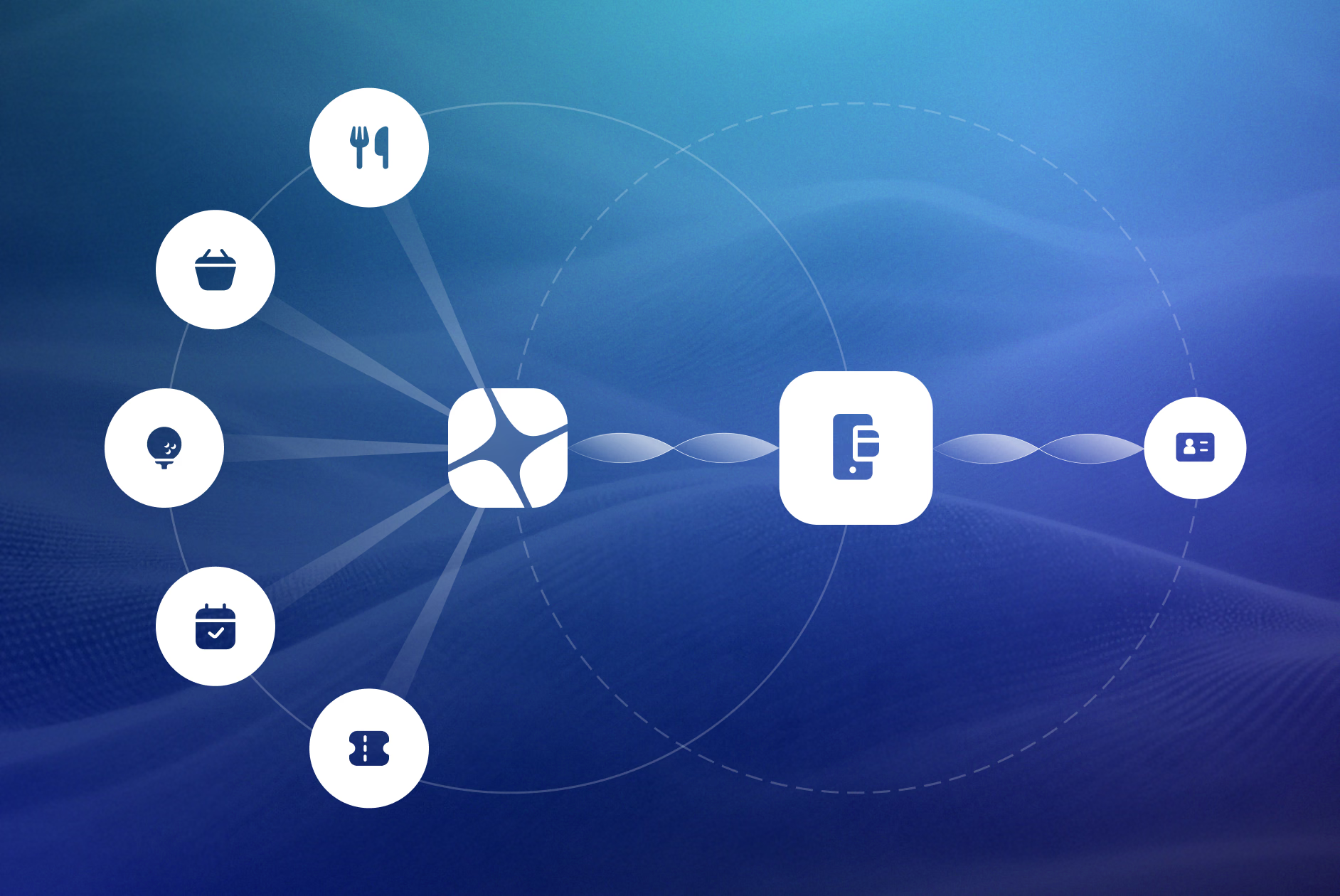
POS unified with the entire platform. Member profiles visible at checkout. Orders linked to reservations from the start. Inventory managed in the same system. Closeout takes one tap. Every transaction posts cleanly without manual effort. Service feels personal because staff has the context to make it so.
The Difference: because it’s one platform, the member’s context is on screen when you pull up their name - and the charge is already where it belongs.

See Intelligent Point of Sale in action
Request a demo - a walkthrough to highlight opportunities for your club, from member context to reservation-linked orders at the point of sale.