
Operations simplified. Teams in sync.
Everything your team needs to run the club day to day - scheduling, tasks, team chat, facility setup - in one place, so every department stays connected and nothing slips.
A well-run club starts with a well-equipped team
Hospitality is a team effort. It requires staff who know what they need to do, can communicate without friction, and have the tools to act when something needs attention - whether they’re at the front desk, on the golf course, or setting up for a private event.
Most clubs run their operations through a combination of group texts, printed schedules, verbal handoffs, and institutional knowledge. It works until it doesn't - until a task falls through the cracks, a shift goes uncovered, or a member issue goes unresolved because no one had visibility. Canopy gives every team member a connected, organized operational foundation that keeps the club running smoothly.
The Result: A more coordinated, more responsive club - where staff spend less time behind the desk and more time with members.
Tools your team will actually use
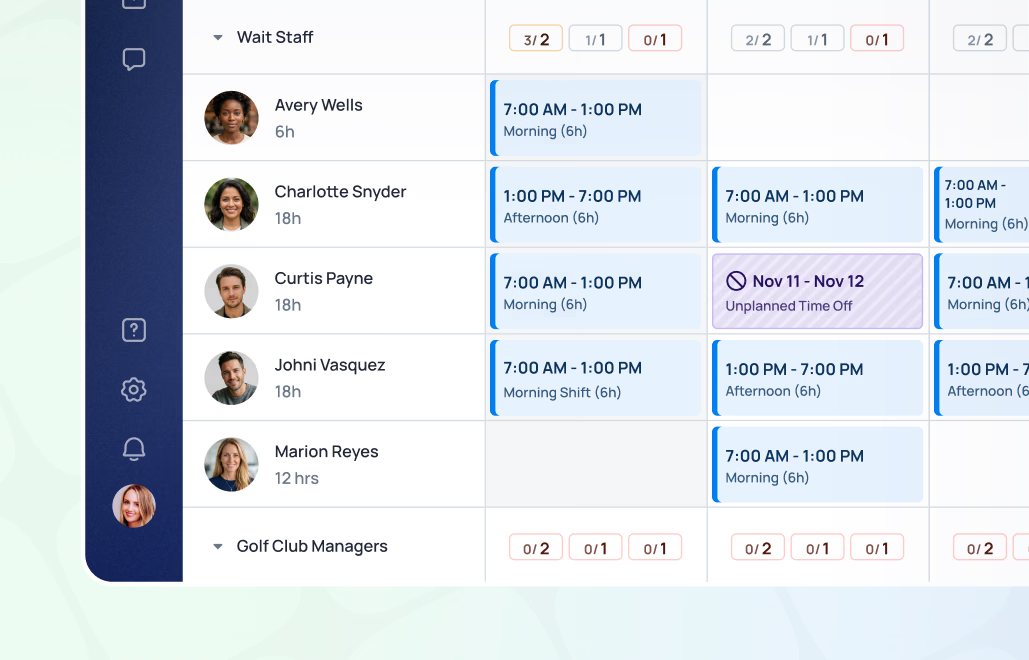
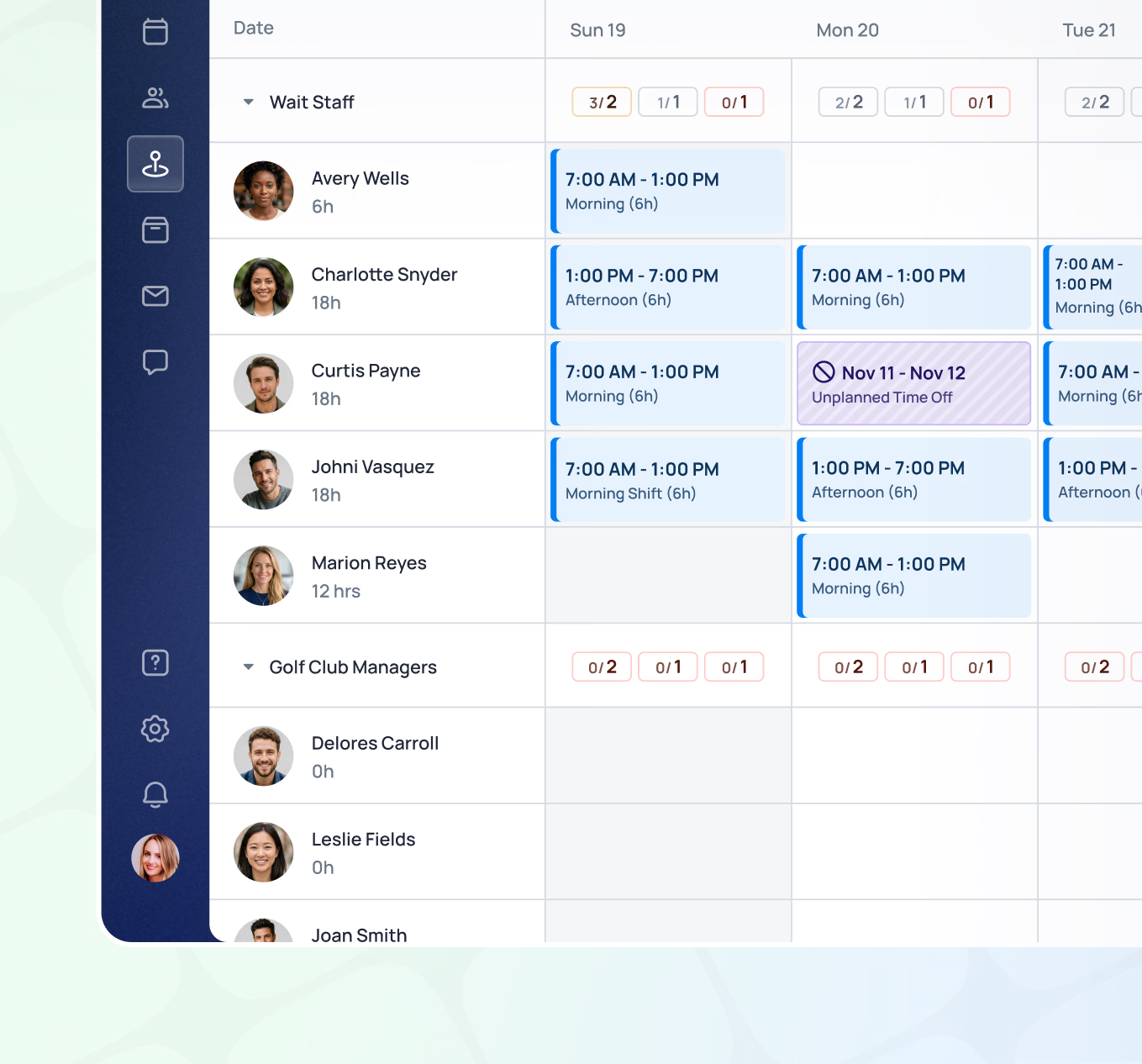
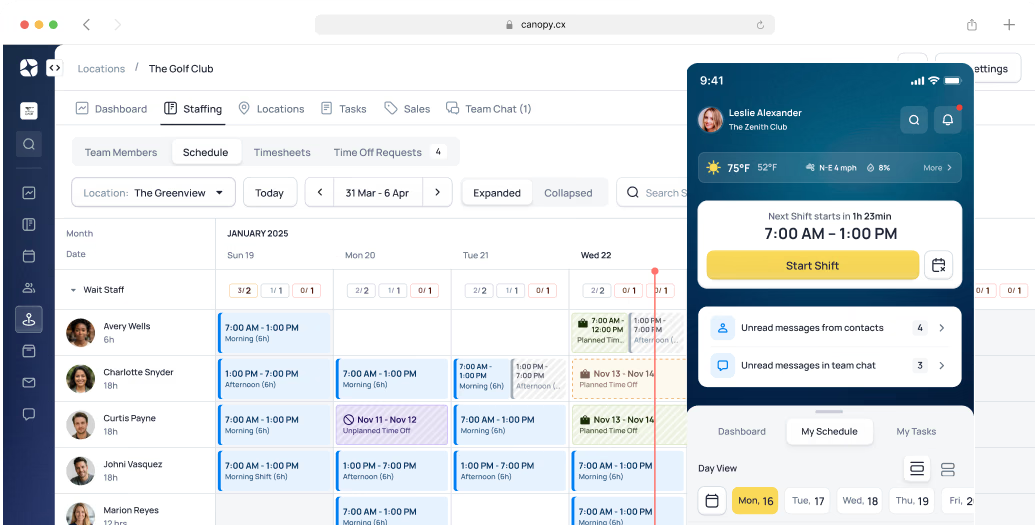
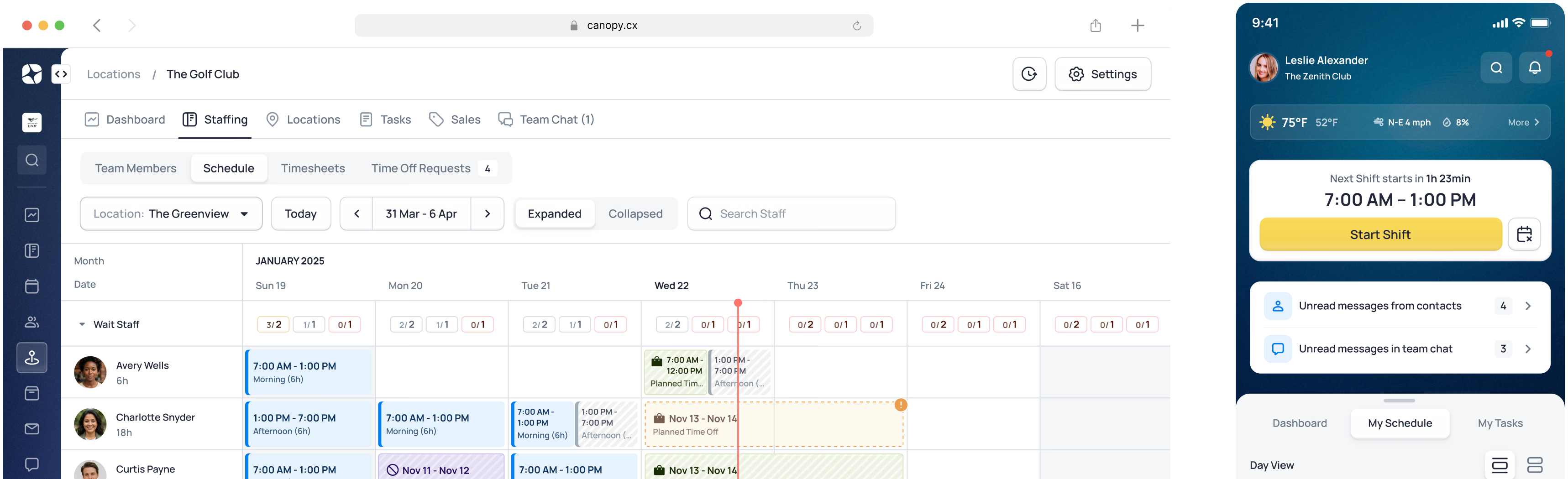
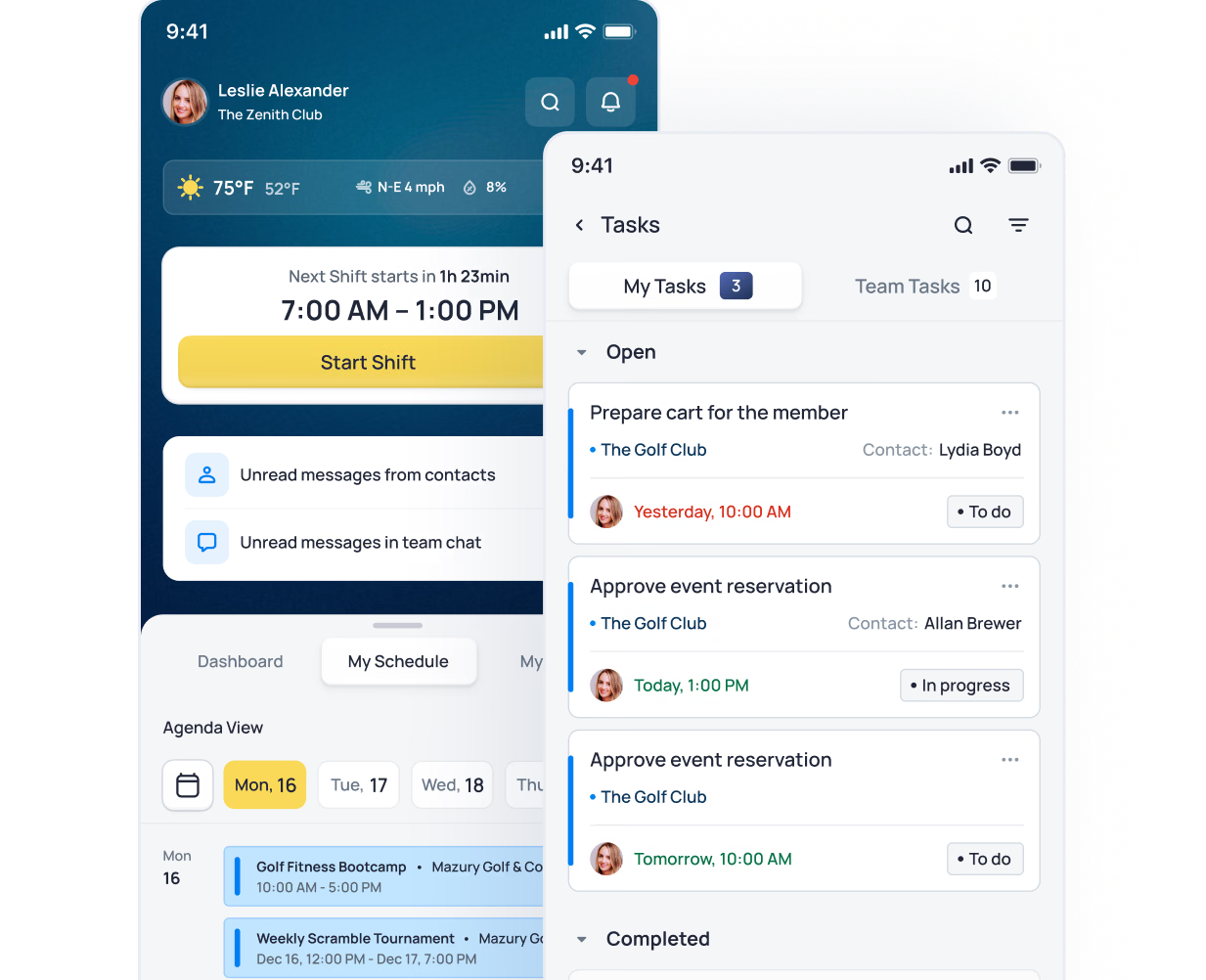
Build and publish schedules by department, with shift coverage visible at a glance. Staff see their schedule on their phone, and changes reach them the moment they’re made.
- Schedule creation by department and role
- Staff availability and time-off request management
- Hours tracking against scheduled time
- Schedule publishing with staff notifications via mobile
- Coverage coordination managed through team chat
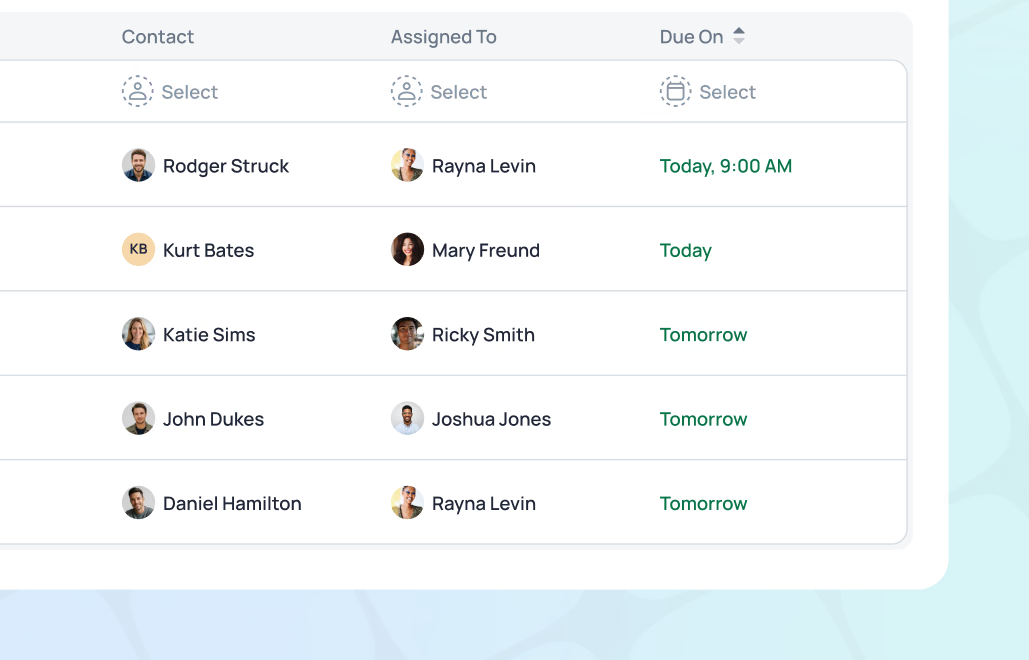
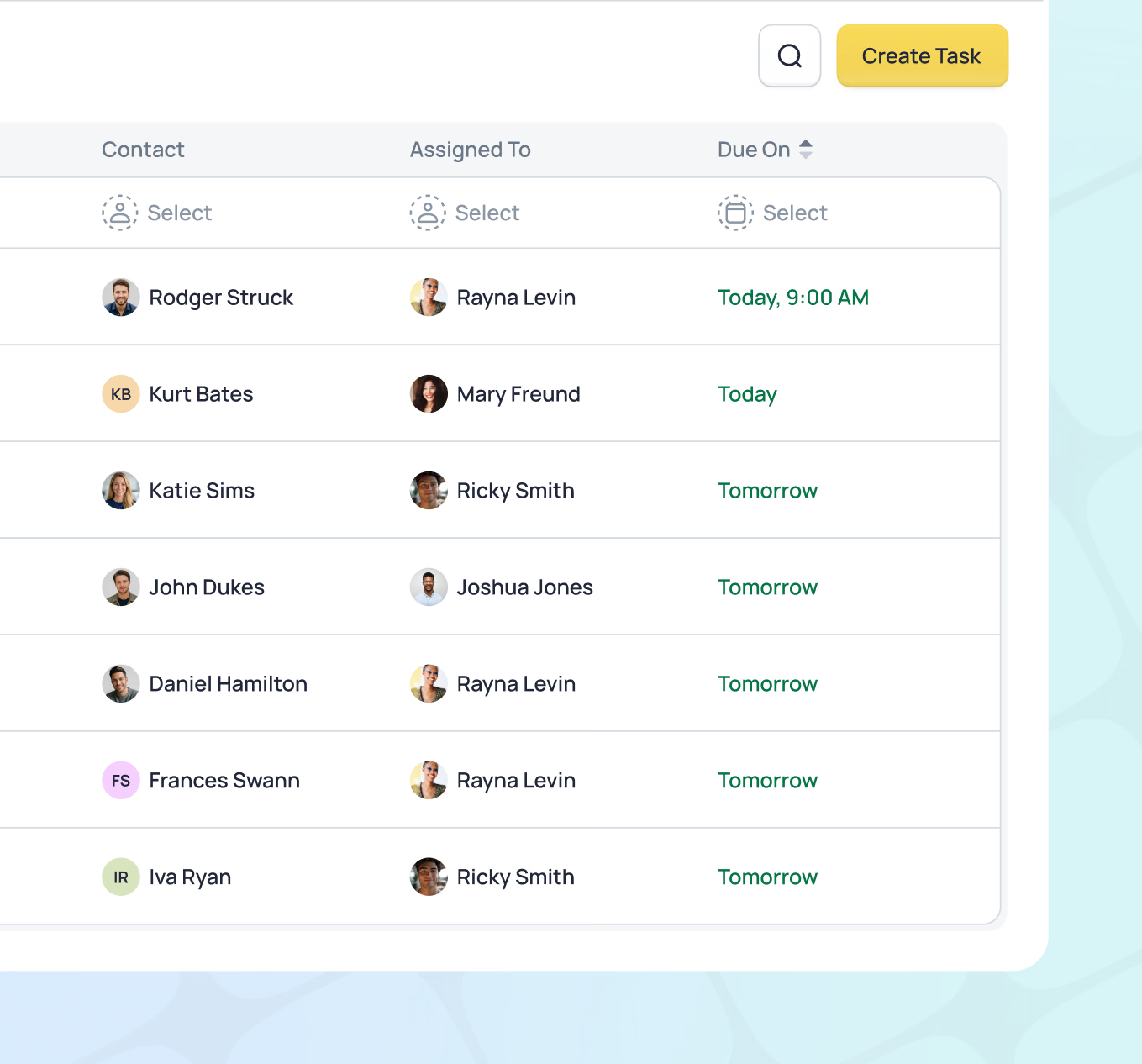
Tasks can be created for almost anything - a member follow-up, a facilities issue, a pre-event checklist item, or a daily operational routine. Tasks are assigned to individuals or departments, linked to member records, reservations, events, or merchandise items, and visible to everyone who needs to see them. Nothing gets lost. Everything has an owner.
- Task creation and assignment for staff or departments
- Due dates and priority flags
- Tasks linked to member records, reservations, events, or merchandise
- Completion tracking with full history
- Tasks carried forward when events are copied for repeat programs
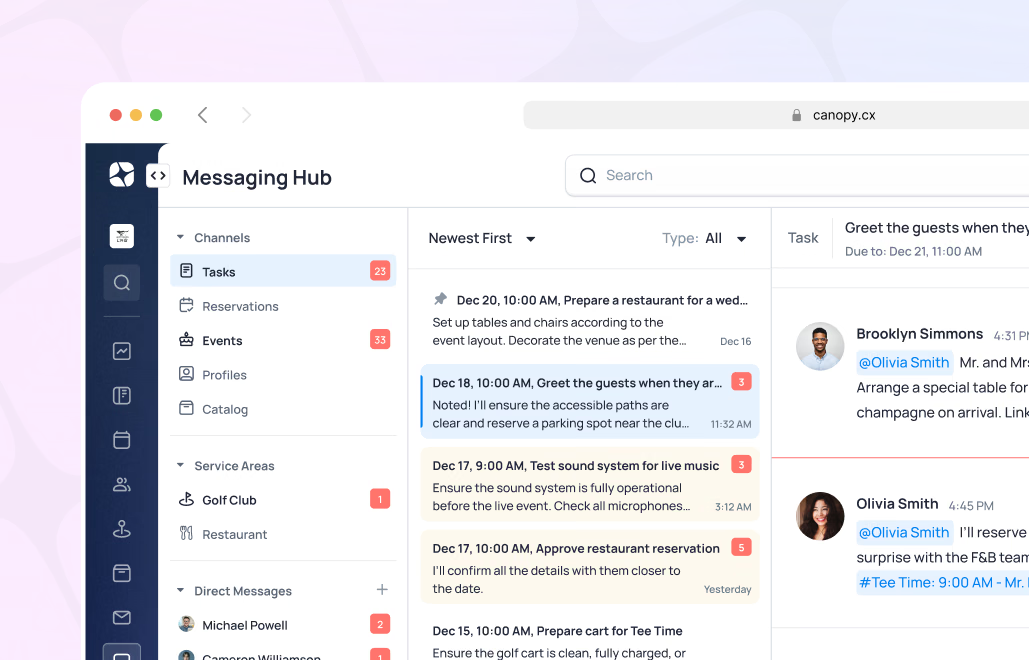
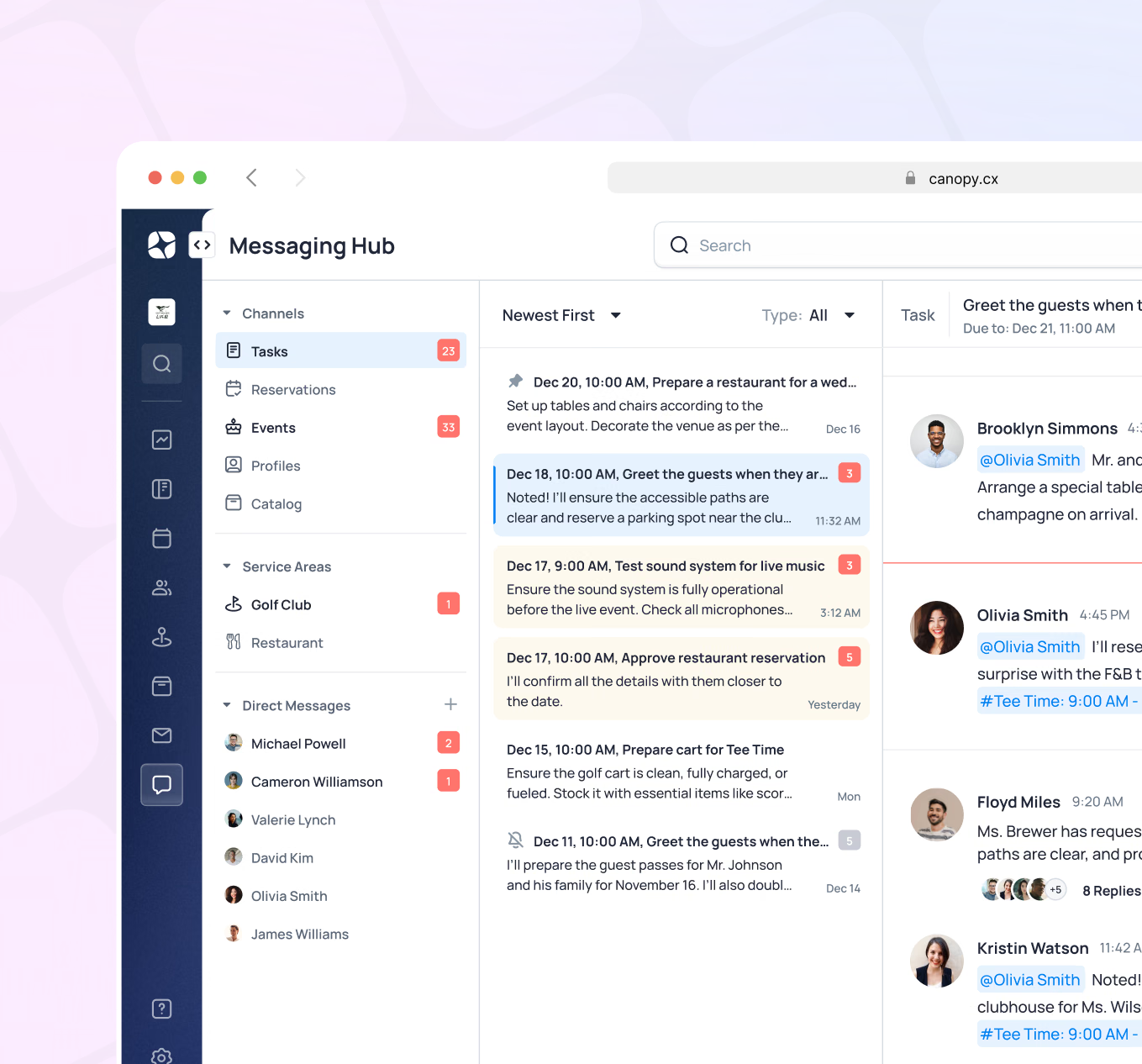
Built-in messaging keeps coordination inside the platform - no side channels, no group texts, no communication that disappears when someone logs off. Direct messages, department channels, file sharing, and searchable history mean the right information reaches the right people, and stays there.
- Direct messaging between staff members
- Group channels by department or team
- File and image sharing
- Message history and search
- Notifications on mobile - staff stay connected anywhere on property
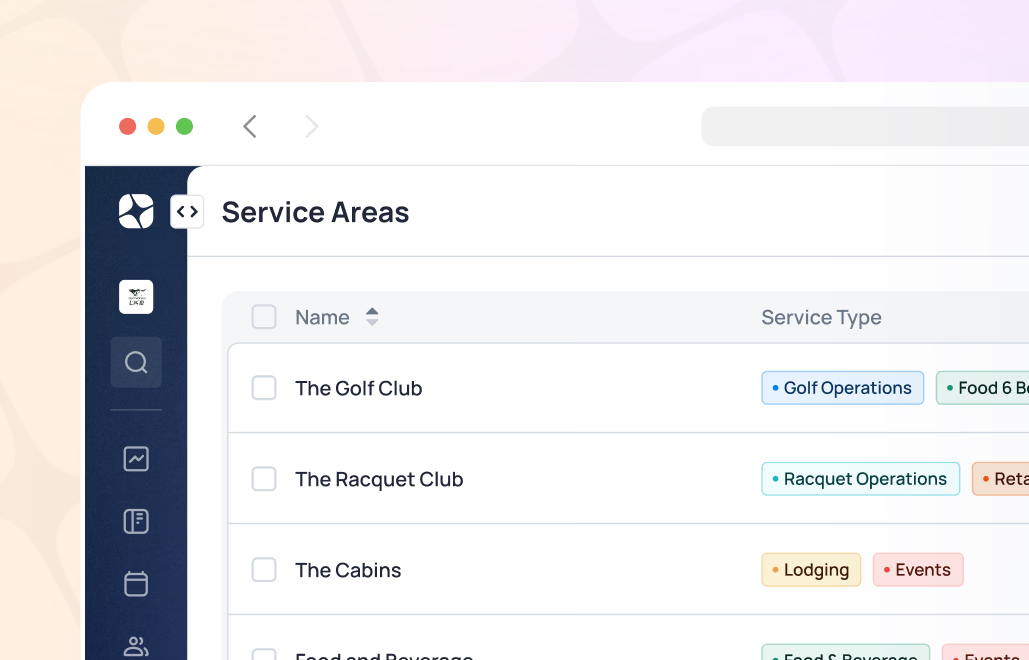
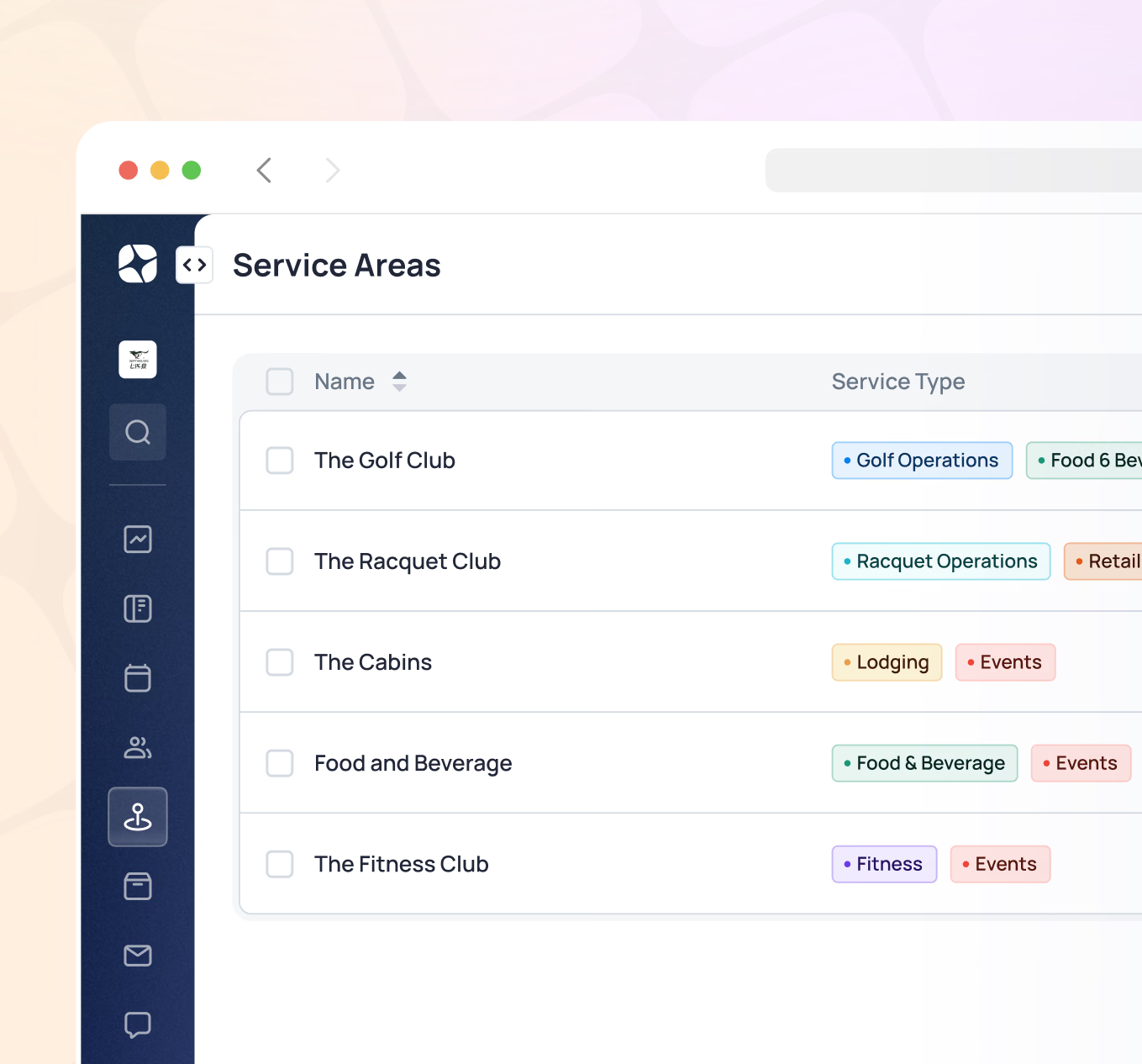
Configure your club exactly as it operates - courses, courts, dining rooms, event spaces, fitness areas, and sub-areas within each. Flexible configuration means the platform reflects your club's structure, not a generic template. Resource availability connects directly to the booking system, so scheduling and operations stay in sync.
- Flexible configuration of locations, amenities, and sub-areas
- Golf courses, racquet courts, restaurants, event spaces, and more
- Equipment assignment and tracking by location
- Resource availability tied directly to the booking and scheduling system
- Configuration adapts to your club's structure - not the other way around
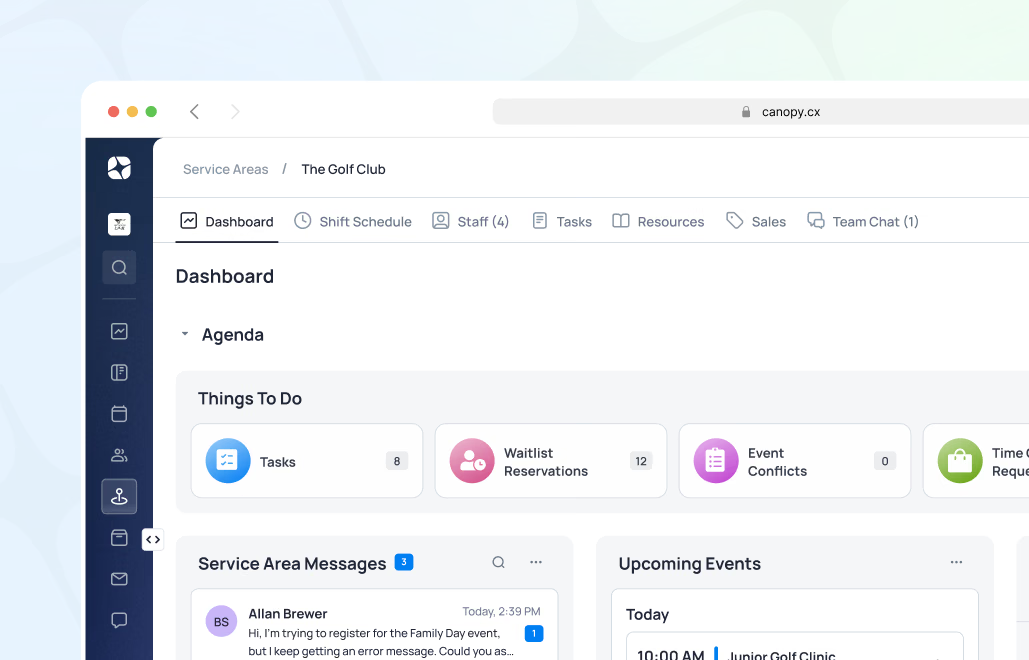
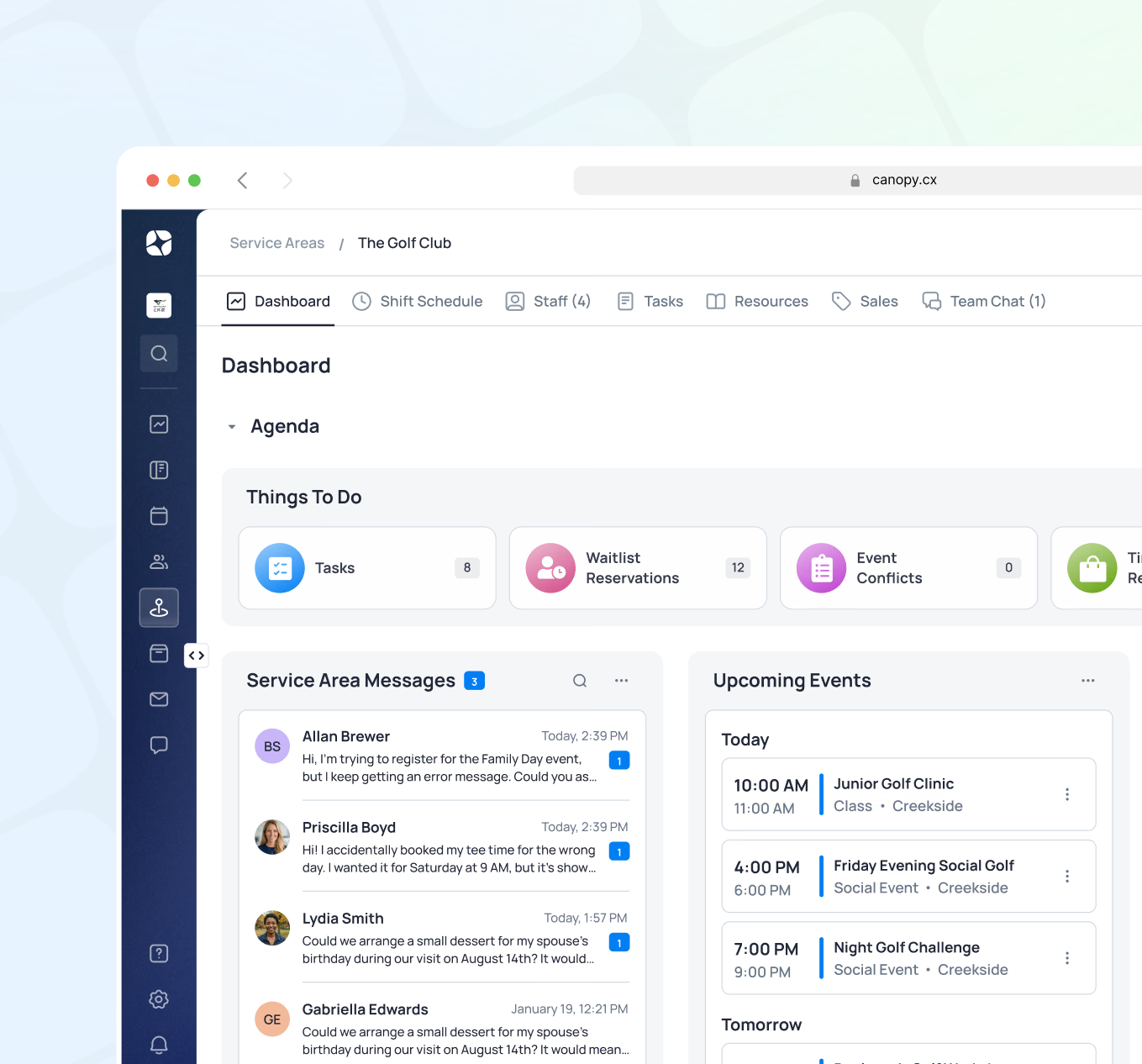
Every department has a customizable dashboard that brings their day into focus - key financial and utilization metrics, upcoming events, open tasks, staff schedule highlights, recent messages, and waitlist activity. Management and staff see what they need to see, configured for their role, without digging through reports or asking someone else to pull data.
- Customizable department dashboards with relevant KPIs and activity
- Key financial and utilization metrics by department
- Open tasks, staff schedule, and upcoming events visible at a glance
- Recent messages and team chat highlights surfaced on the dashboard
- Waitlist activity and reservation highlights by department
- Payroll export for employee time tracking data
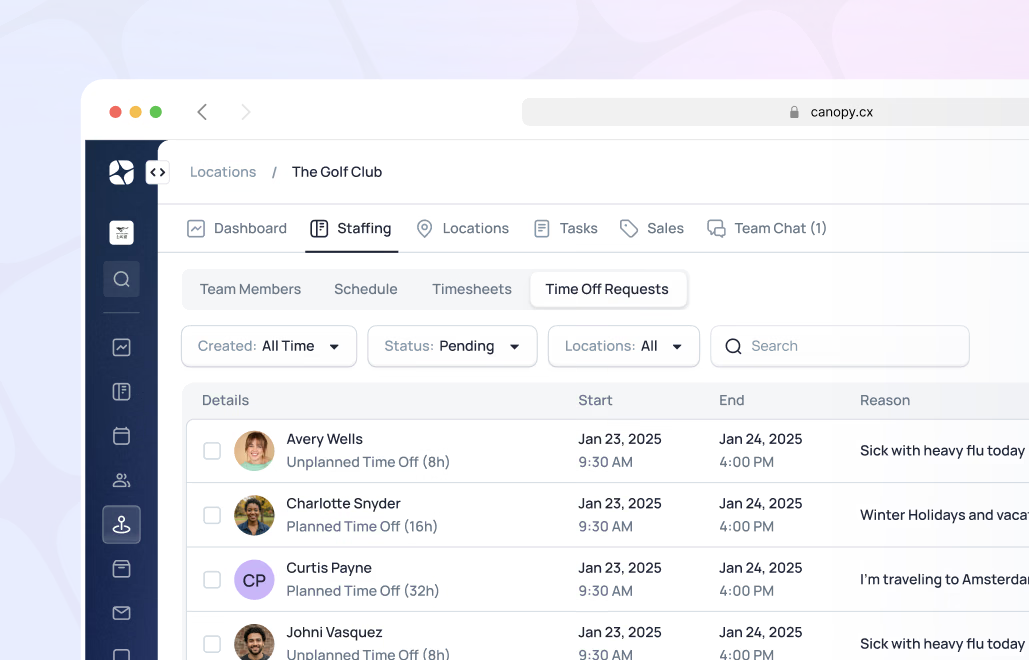
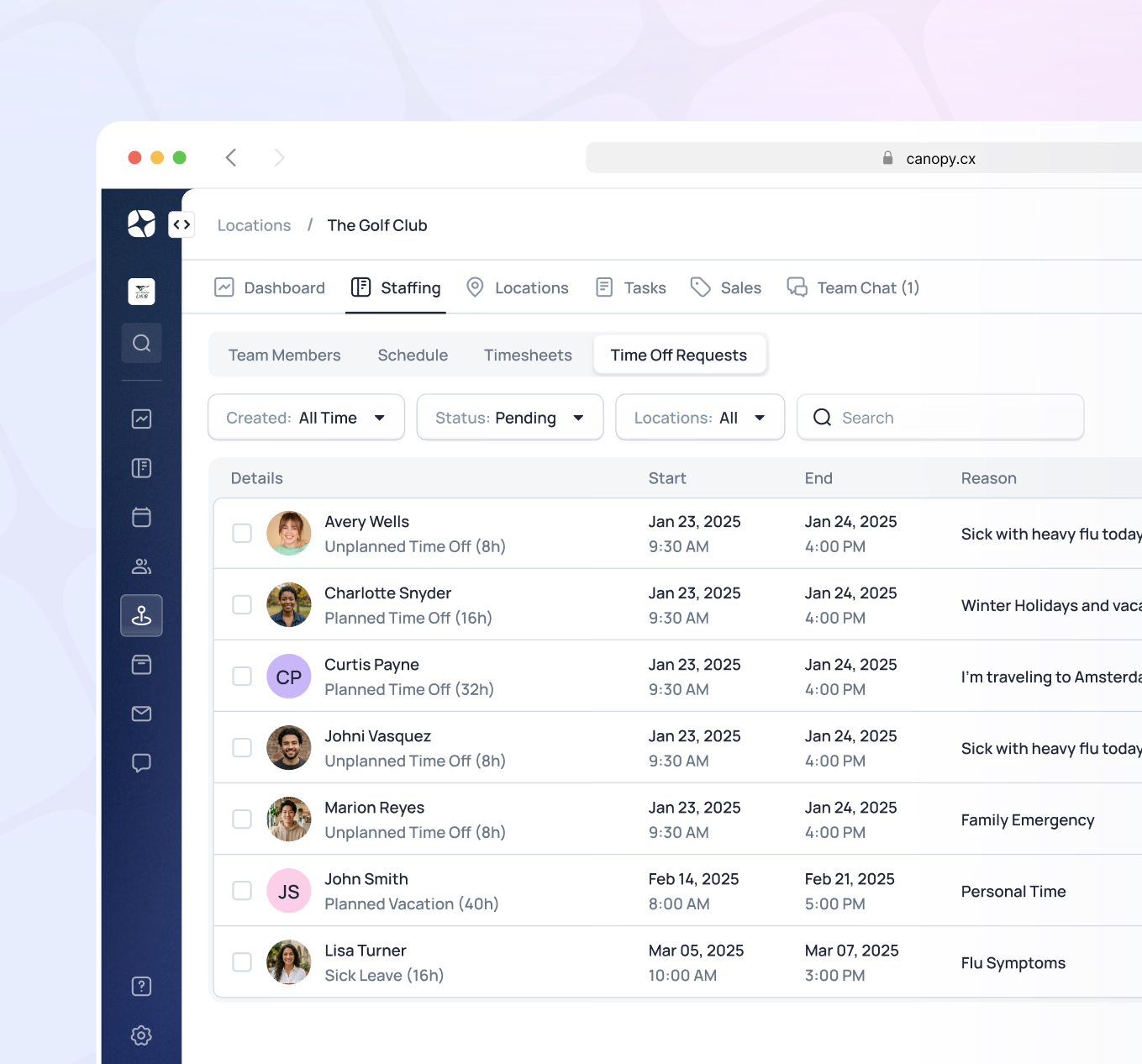
Set up and manage the full structure of your club - locations, departments, roles, operating hours, and booking parameters. Multi-location clubs are fully supported. Configuration is flexible enough to match how your club actually operates, and adjustable as the club grows or changes.
- Multi-location club support
- Department and staff role setup with access permissions
- Operating hours by amenity and location
- Booking rules and access parameters by membership type
- System-wide settings managed from one place
How it works in the real world
Morning Operations Startup
The F&B manager opens their department dashboard - upcoming covers, open tasks from yesterday, today's private event in the evening, and two new messages from the kitchen team. One server called out.
The manager sends a message to the team channel asking if anyone can cover. A reply comes back in minutes - coverage confirmed. Event prep tasks are checked off as the team moves through the morning. By 10am the day is organized, the team is set, and not a single piece of paper changed hands.
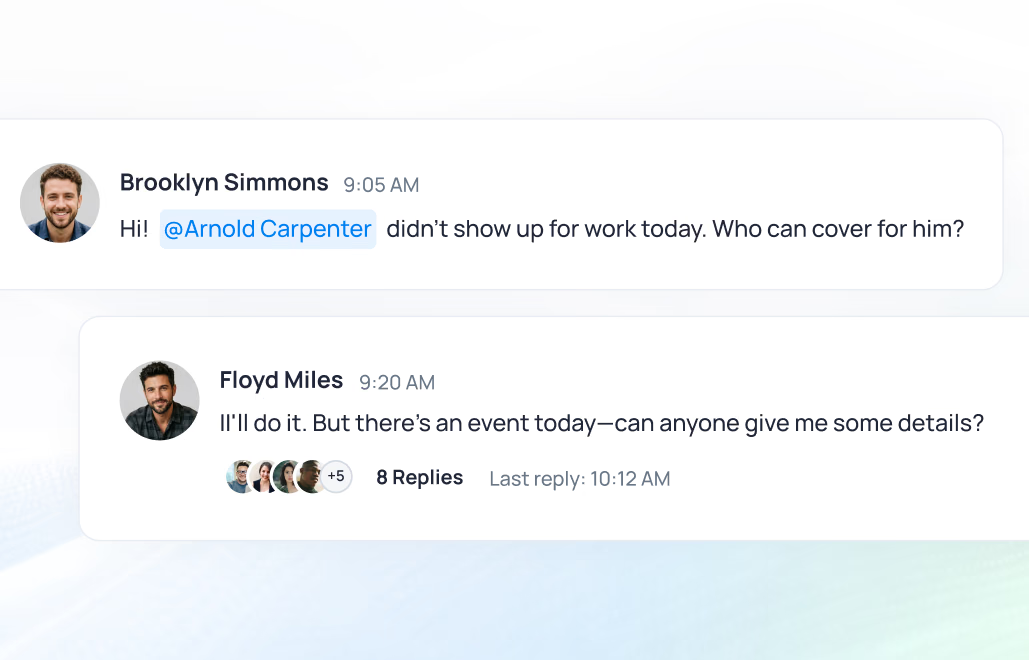
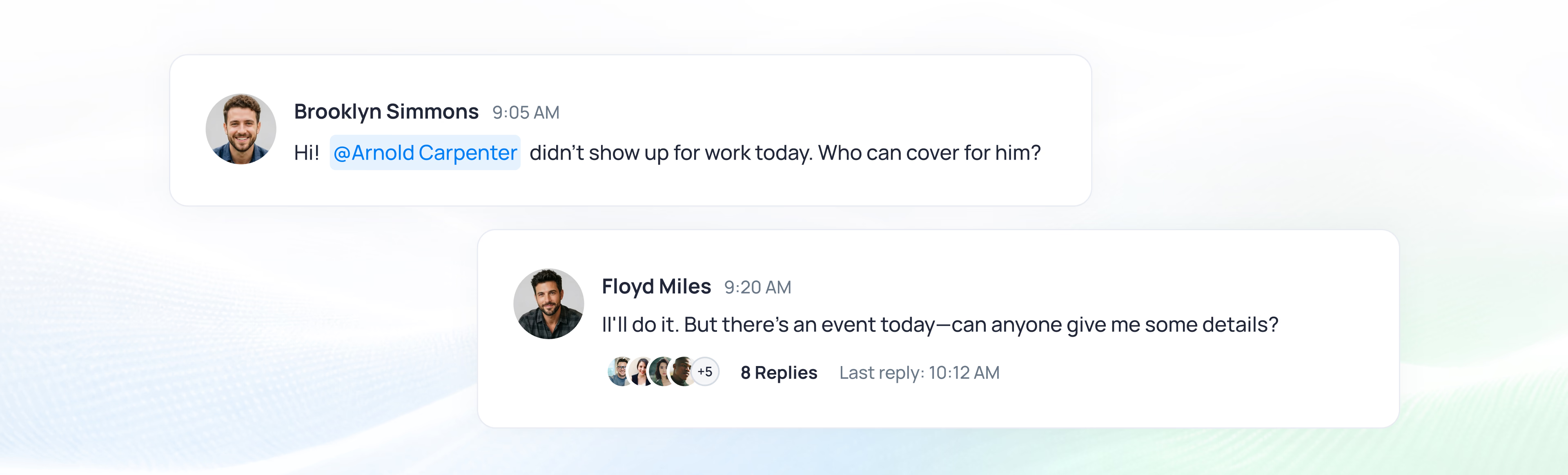
Result: Day starts organized, coverage secured, team aligned - all from one dashboard, before the first member arrives.
Member Follow-Up Task
During a round, a member mentions to a staff member that their locker has a broken latch. The staff member creates a task in Canopy from their phone - assigns it to facilities, links it to the member's record, marks it urgent.
Facilities gets the notification, schedules the repair for that afternoon. The next morning, the member receives a note that it's been handled. No phone tag. No sticky note that gets lost. A record attached to the member, closed with confidence.
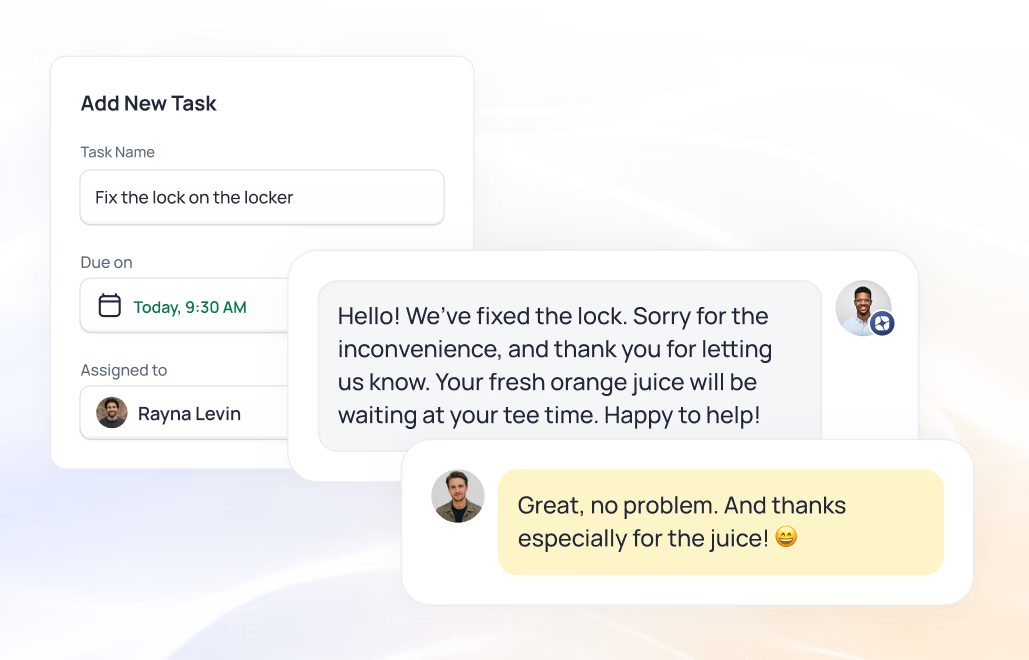
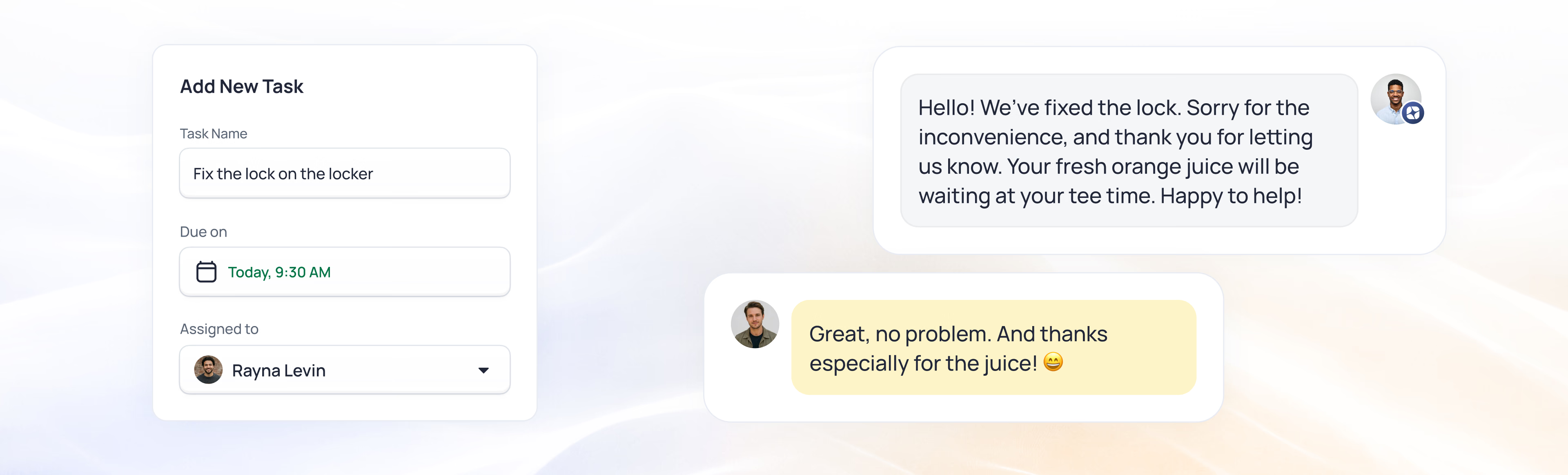
Result: From a passing comment on the course to a fix by morning - no sticky note, no phone tag.
Value for everyone at your club
For General Managers
Complete operational visibility across every department, staff member, and facility - without walking the property or waiting for someone to report back. Tasks, schedules, and activity visible at a glance, with the confidence that nothing important is falling through the cracks.
Key Benefits: See every department without walking the property, know nothing's slipping, act on it from one screen
For Department Managers
Your department dashboard shows everything relevant to your day - tasks, schedules, upcoming events, messages, and key metrics - all in one place. Manage your team, coordinate with other departments, and stay on top of performance without pulling a single report.
Key Benefits: Your whole day on one dashboard, your team coordinated in chat, no reports to pull
For All Staff
See your schedule, receive and complete tasks, and communicate with teammates from your phone - anywhere on property. Staff who spend less time coordinating logistics at a desk spend more time present with members. That presence is felt.
Key Benefits: Your schedule and tasks on your phone, less time at a desk, more time with members
For Members & Guests
A better-coordinated staff team means attentive service, faster responses to requests, and a club that feels well-run and well-cared-for. Staff are more present because they're not tied to a desk managing logistics.
Key Benefits: staff who are present, not parked at a desk, clear ownership, faster responses
Everything your team needs, all in one place
Operations, communication, and service connected across every department.

Powers your entire platform
Club and staff operations connect through every capability
From schedule to service
1
Day Starts
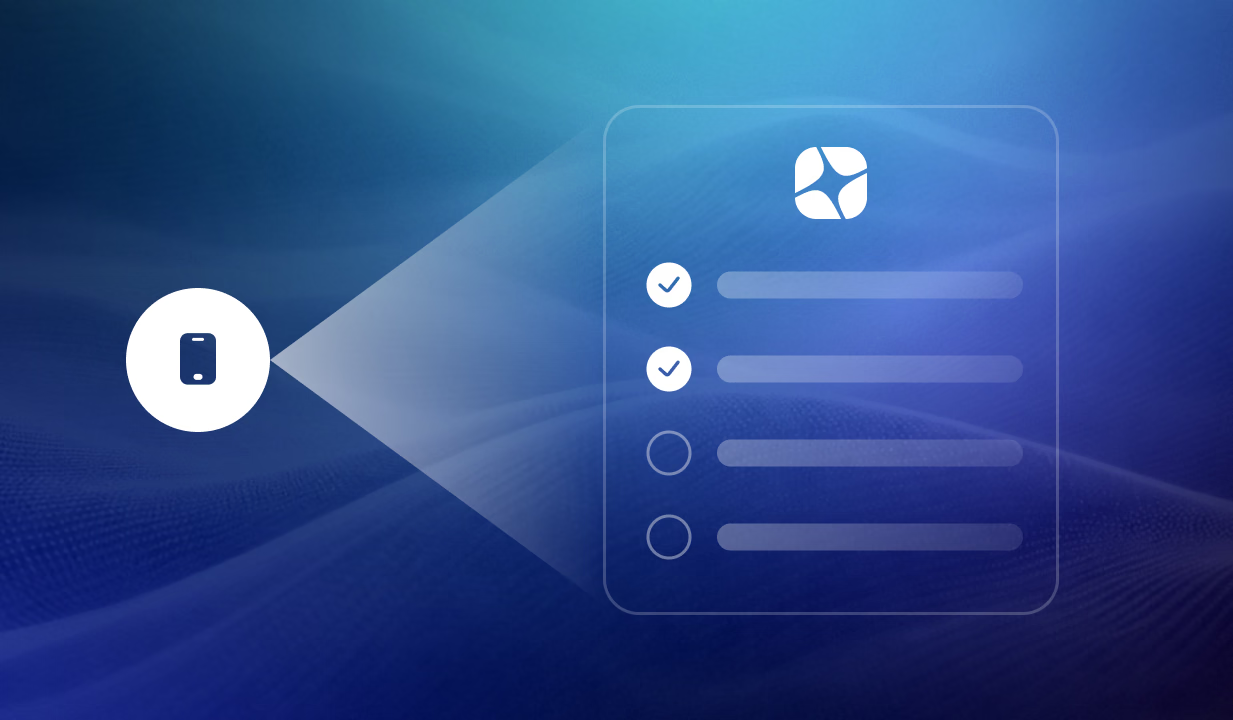
Staff check their schedule and task list via mobile. Department managers review their dashboard - coverage, upcoming events, open items. Team chat is live. Everyone knows what they're doing and who to reach.
2
During the Day
Tasks created as issues arise - linked to members, reservations, or facilities. Team chat keeps coordination instant. Schedules visible in real time. Staff handle what needs handling and flag what needs escalating.
3
End of Day
Tasks reviewed and closed. Schedules confirmed for tomorrow. Payroll data captured. Department dashboard reflects the day's activity. The club is ready for tomorrow.
Everything your team needs to run the day smoothly
From schedules to tasks and end-of-day close - all connected.

Modern operations vs. disconnected tools
Legacy Approach
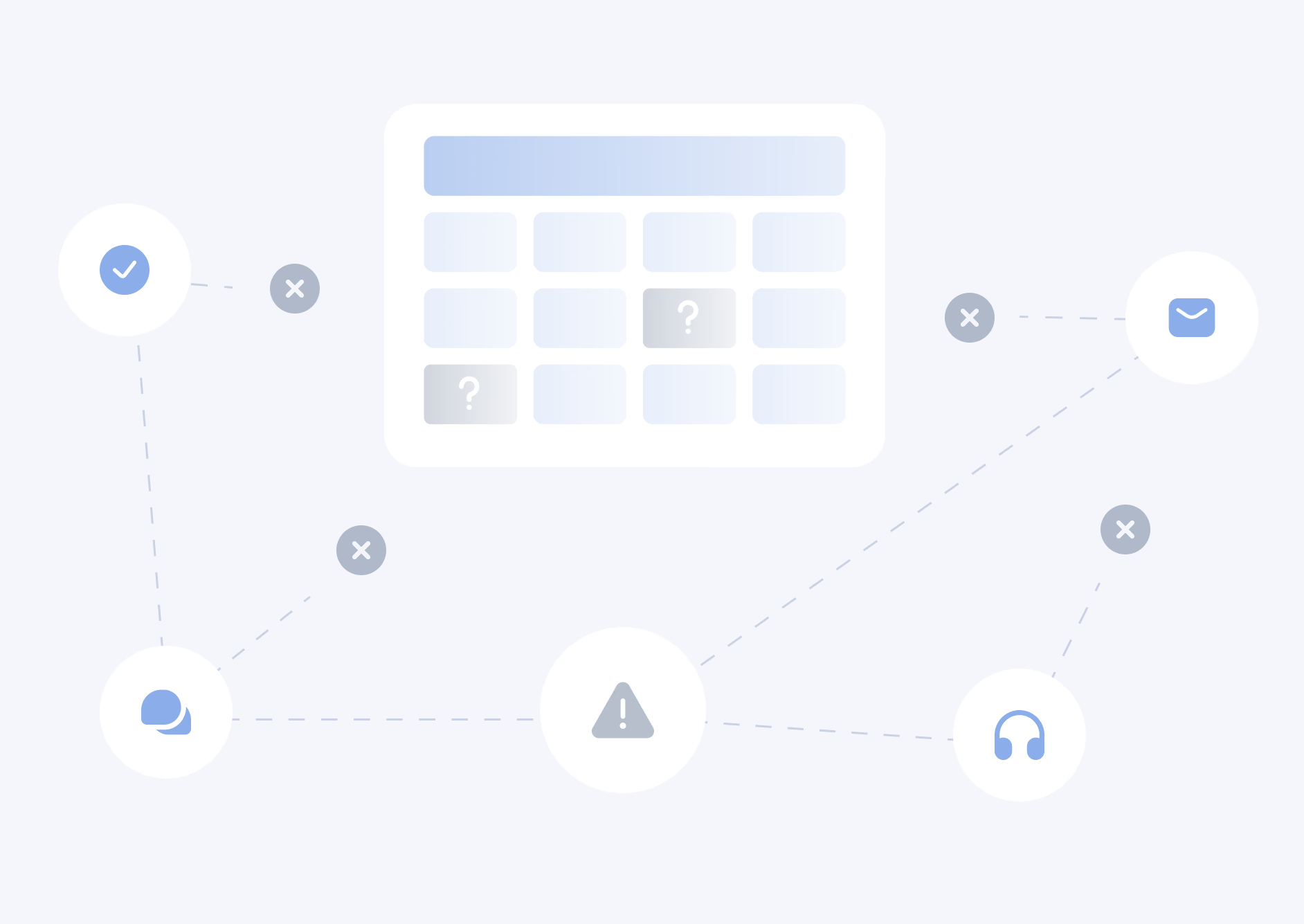
Schedules posted on a bulletin board or sent by email. Tasks written on sticky notes or communicated verbally. Coordination through group texts that disappear. Facilities issues reported to the right person only if that person happens to be around. Staff who need information have to ask for it or walk to find it.
Canopy Approach
Schedules, tasks, team chat, and operational dashboards all in one platform. Staff connected via mobile anywhere on property. Tasks linked to the people and activities they belong to. Every department with a live view of what matters. Managers who can see, act, and communicate without leaving the system.
The Difference: Schedules, tasks, and chat in one place means the team runs the club - not five disconnected tools.

See Club & Staff Management in action
Request a demo to see Club & Staff Management in action - from department dashboards and staff scheduling to task management and team chat. We'll show you how Canopy keeps every team connected without adding complexity.